Ask about your farm in your own words, the way you'd ask a neighbor. AgAnswers answers from your own records, remembers what you've asked in the chat, updates your records when you tell it something got done, and keeps every chat so you can pick it up later. Watch the video, or follow the steps below at your own pace.
What you'll need
- A question about your farm.
- Some of your records in AgAnswers, like your fields, tickets, tasks or files.
- A few minutes.
Already used the chat? Skip to step 3.
Step 1. Ask about your farm, in your own words
- Click New chat in the sidebar.
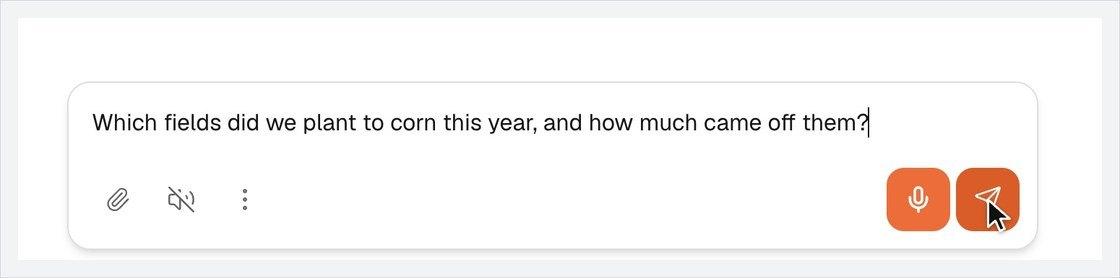
- Type your question the way you'd ask a neighbor, and send it. For example: Which fields did we plant to corn this year, and how much came off them?
- The answer comes from your own records. It says what the numbers are based on, and links to each field it mentions.
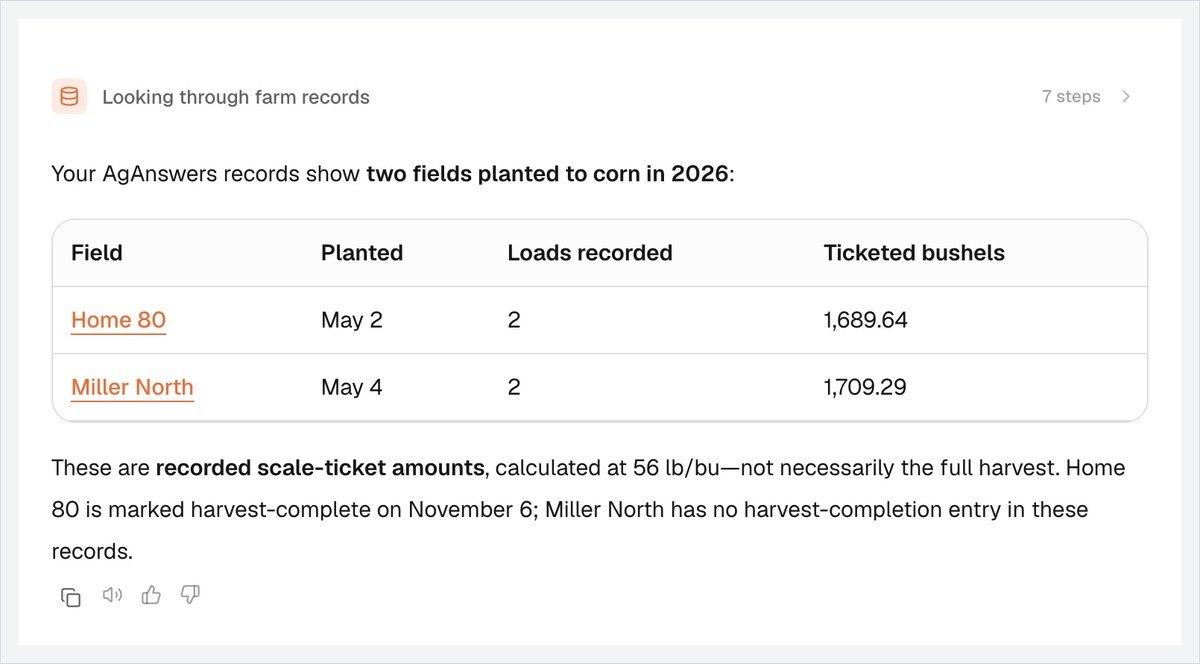
Tip: Read the line under the answer. Here it says the bushels are what's on your scale tickets, not necessarily the whole harvest.
Step 2. Follow up, without starting over
- Ask your next question in the same chat. AgAnswers remembers what you've asked there, so you don't need to repeat yourself. For example: What’s still left to do this week?
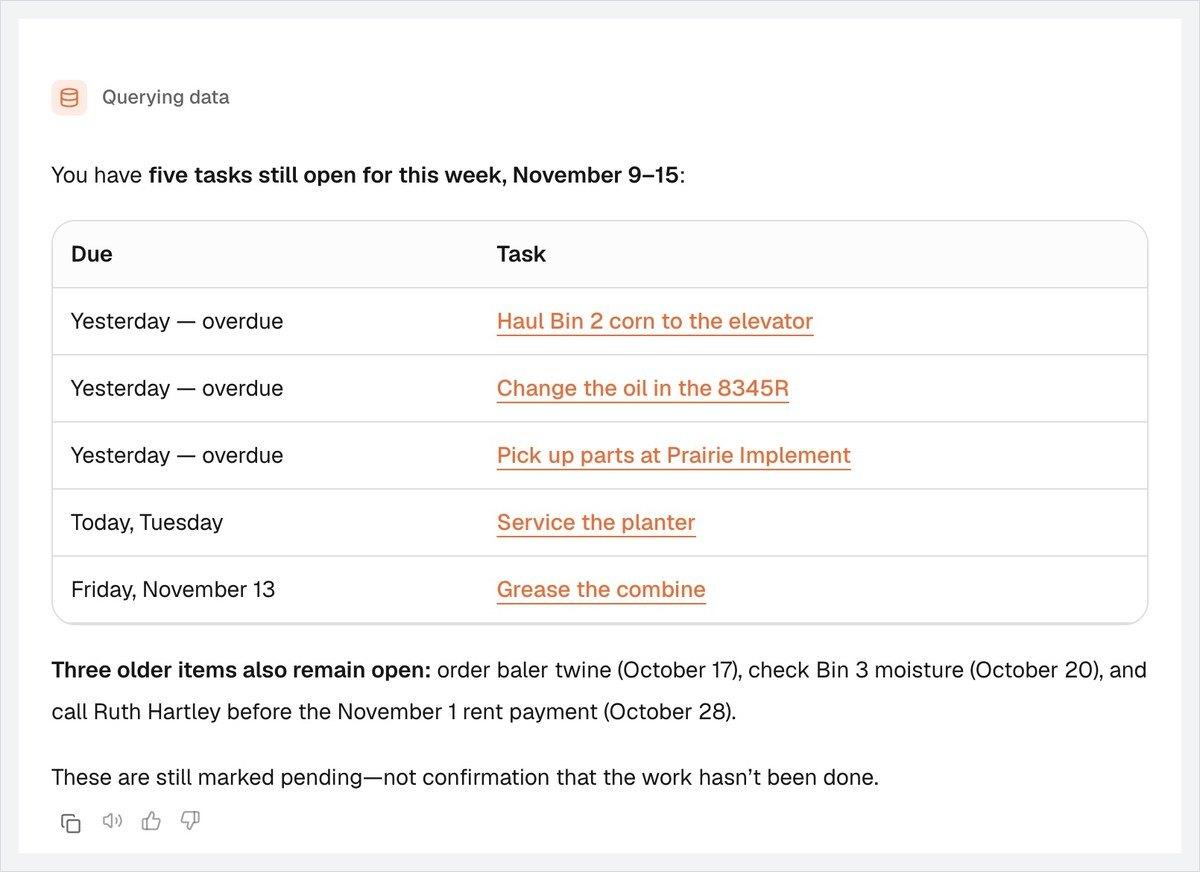
Step 3. Tell it what got done
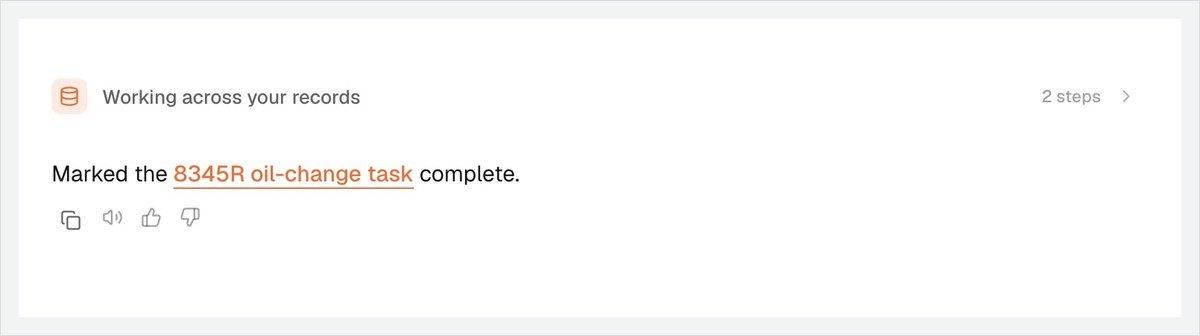
- Say it the way you'd tell your crew, for example The oil change on the 8345R is done.
- AgAnswers updates your records, here by marking the task complete.
Step 4. Pick up an old chat
- Every chat is saved under Chats in the sidebar, newest first. Click one to open it.
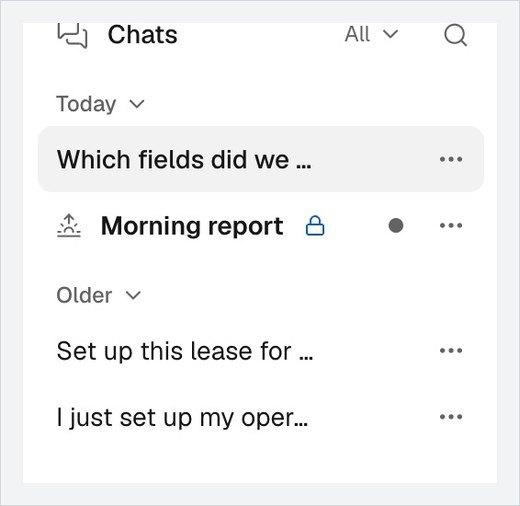
- Everything you asked, and every answer, is right where you left it. Keep going from there.
Good to know
- The answers come from what's in AgAnswers. If something isn't recorded, it says so.
- Answers link to the records they used, so you can check them.
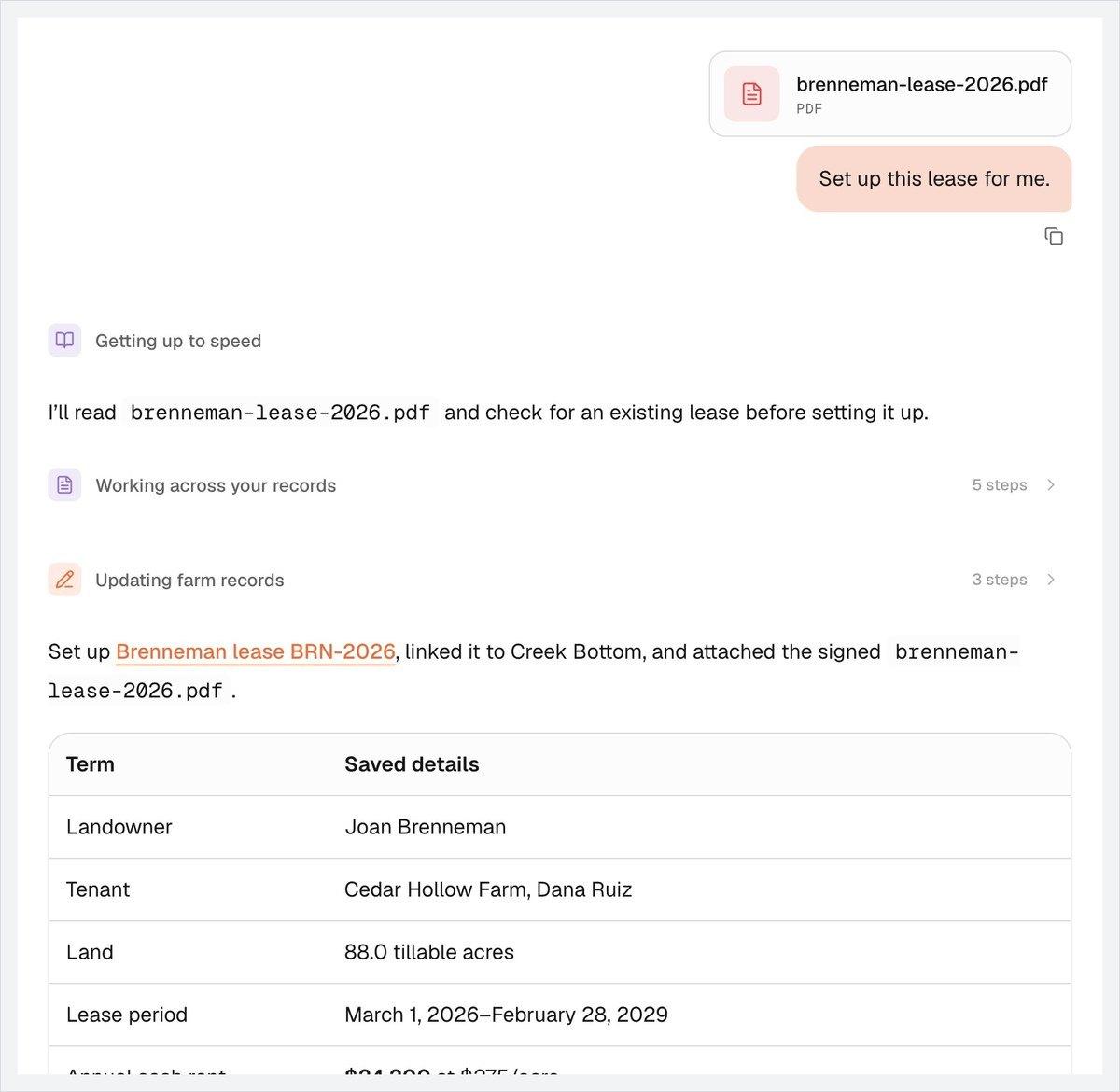
- A new chat starts fresh. To build on an earlier conversation, open it from Chats.