Split one bill between your farm's businesses, with the math done to the cent. Send the bill in the chat, say how it splits, pick the amount if it's a statement, and AgAnswers adds a split page to a copy of the bill. Watch the video, or follow the steps below at your own pace.
What you'll need
- The bill, invoice or statement, as a PDF.
- How you want it split: each business and its share.
- The chat, where you send it in.
Step 1. Send in the bill
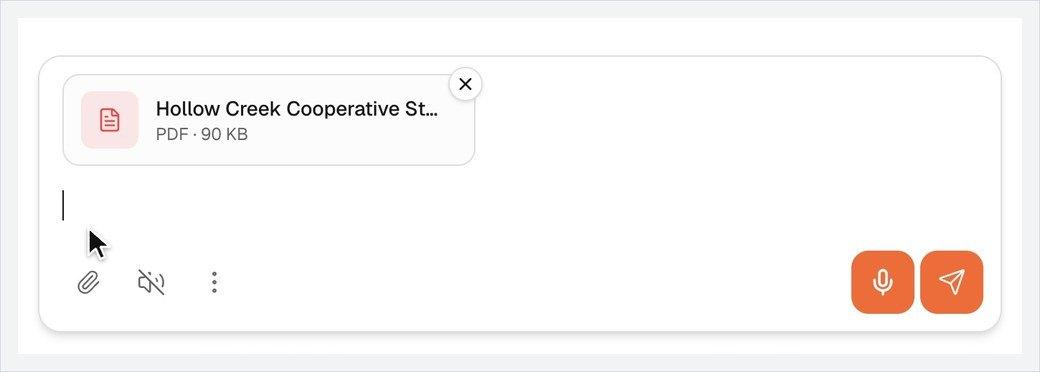
- In the chat, click the paper clip and pick the bill, invoice or statement.
Step 2. Say how it splits
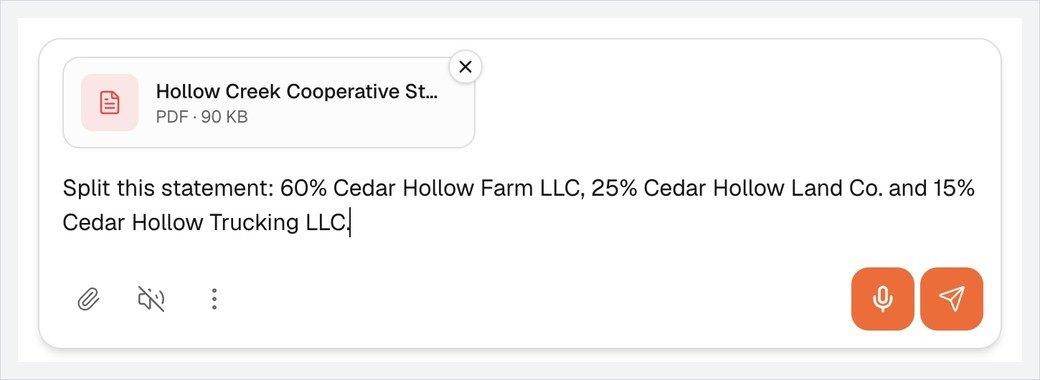
- Type the share for each business, like 60, 25 and 15 percent, and send it.
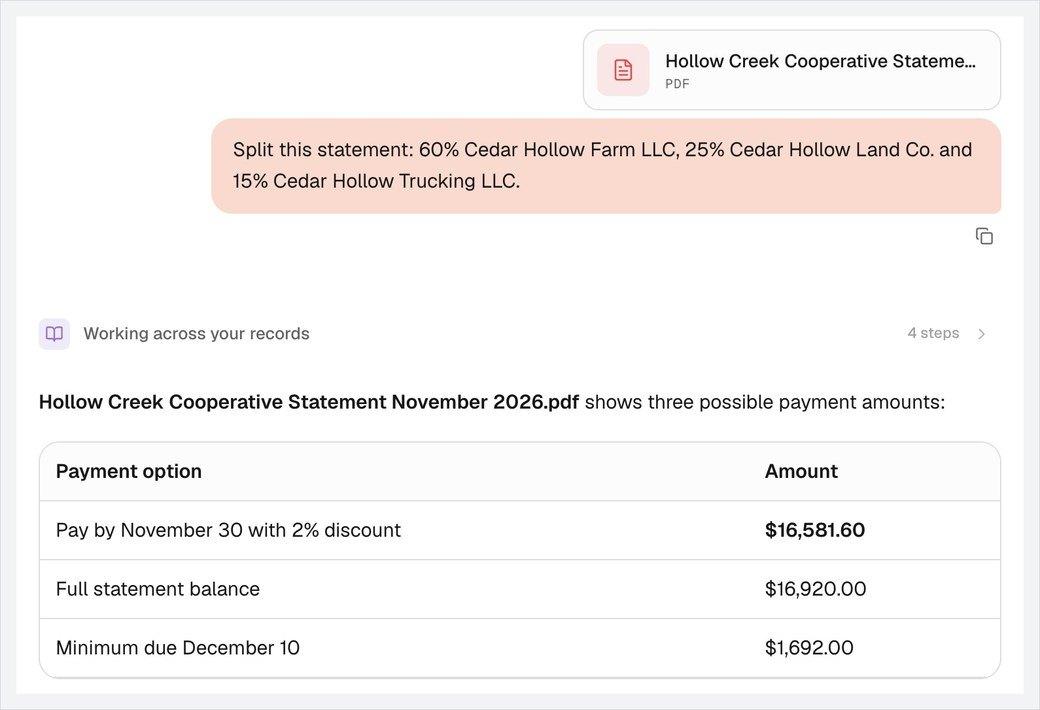
- A statement can show more than one amount, so AgAnswers lists them and asks which one to split.
Step 3. Pick the amount
- Say which amount to split: the full balance, the minimum due or the cash discount.
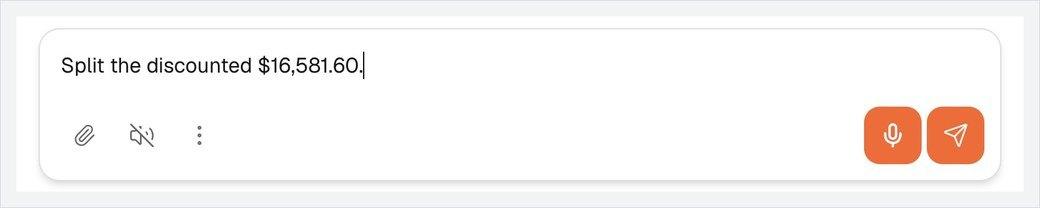
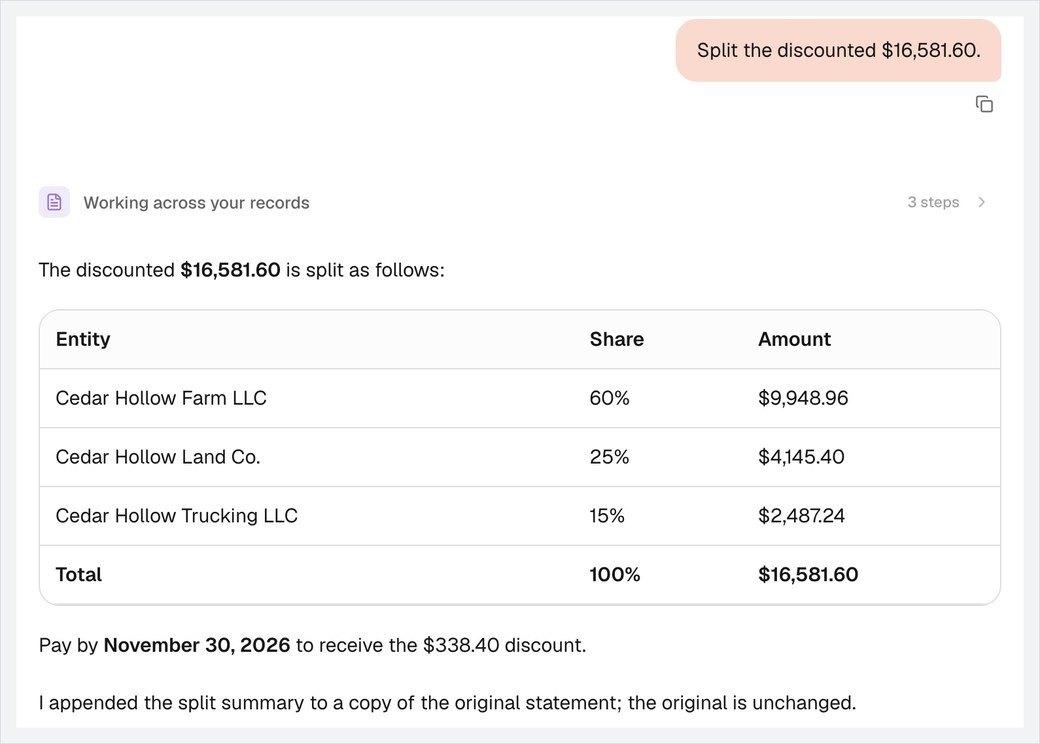
- AgAnswers works out each share to the cent, so the parts add up exactly.
Step 4. Download it
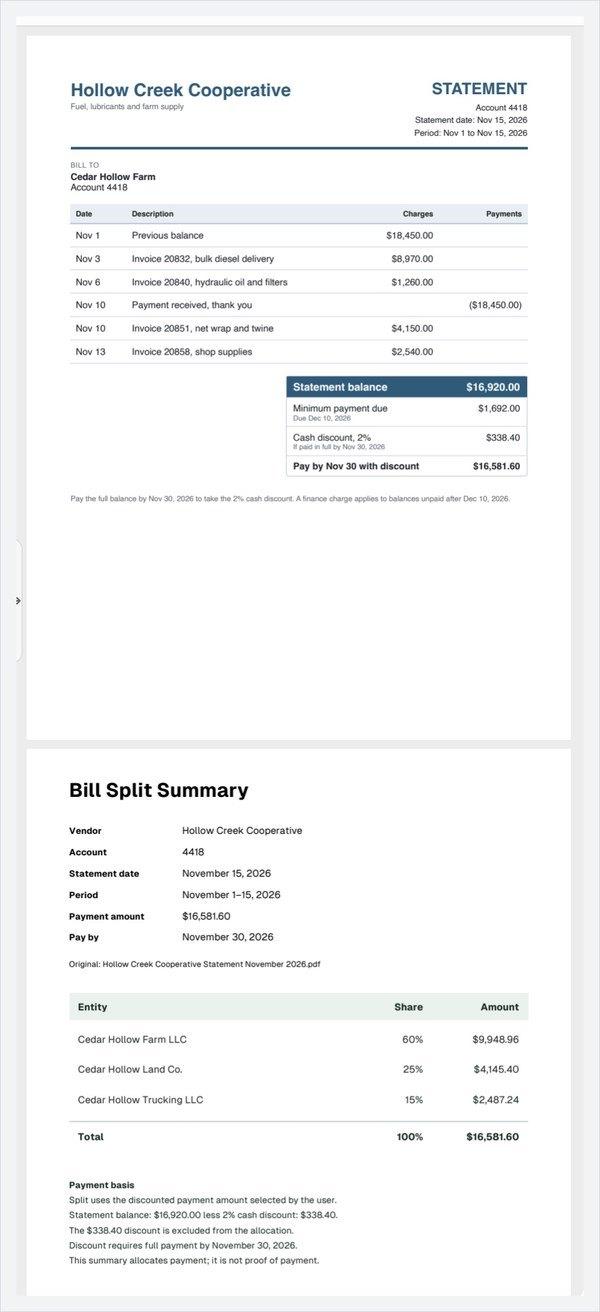
- AgAnswers adds the split page to a copy of the bill.
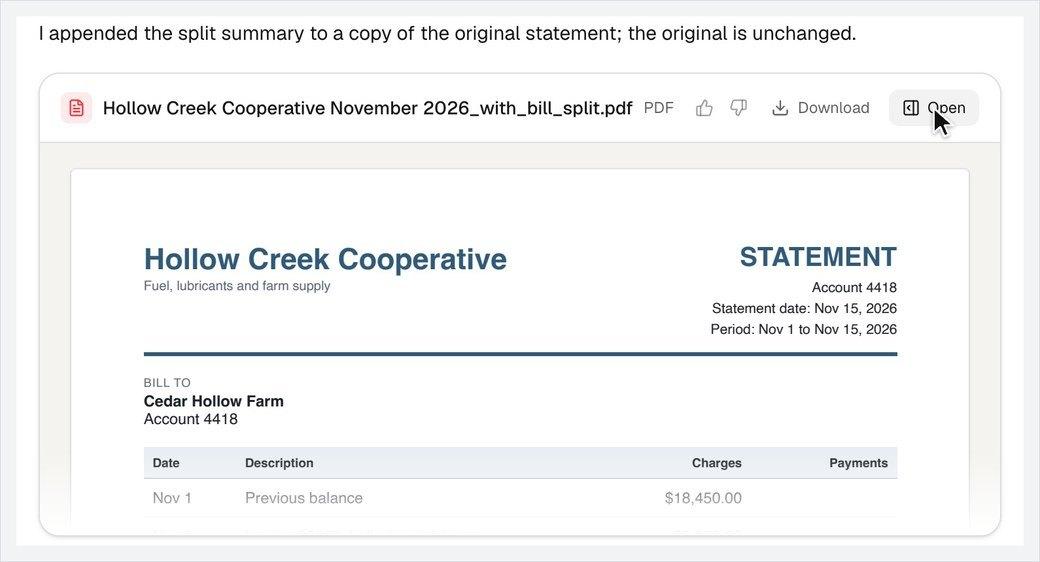
- Click Open to check it: the bill comes first, then the split page.
- Click Download.
Good to know
- AgAnswers never guesses a split. It uses the one you give it.
- The original bill stays as it was.
- A bill with just one amount due skips step 3.