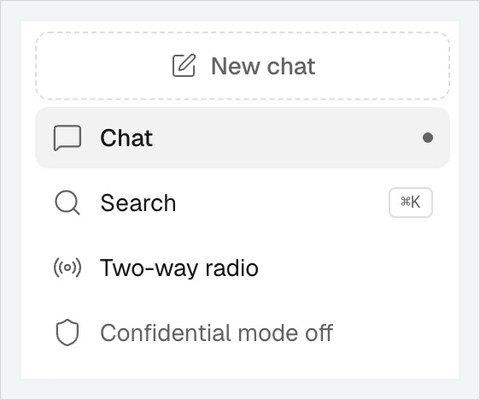
Talk rent, loans and land deals in a chat only the owners can open by default. Flip the Confidential mode switch, and what you ask and save there stays confidential. Members and hired help don't see it, and a role you add sees it only if you allow it. Switch it off to go back to the farm chat. Watch the video, or follow the steps below.
What you'll need
- A question about rent, loans or land.
- The Confidential mode switch in your sidebar. The switch is for admins.
- A few minutes.
Already in Confidential mode? Skip to step 2.
Step 1. Flip the switch
- Click Confidential mode off in the sidebar.
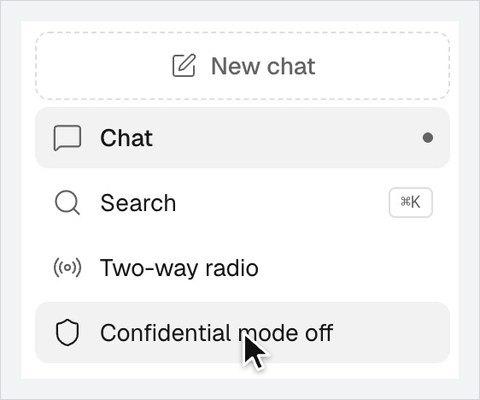
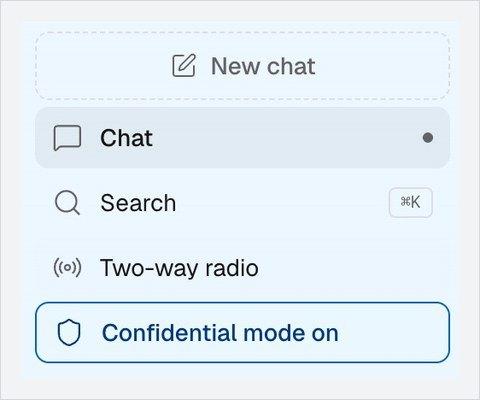
- The switch now reads Confidential mode on. The bar at the top says Confidential, and a new chat starts.
Step 2. Ask
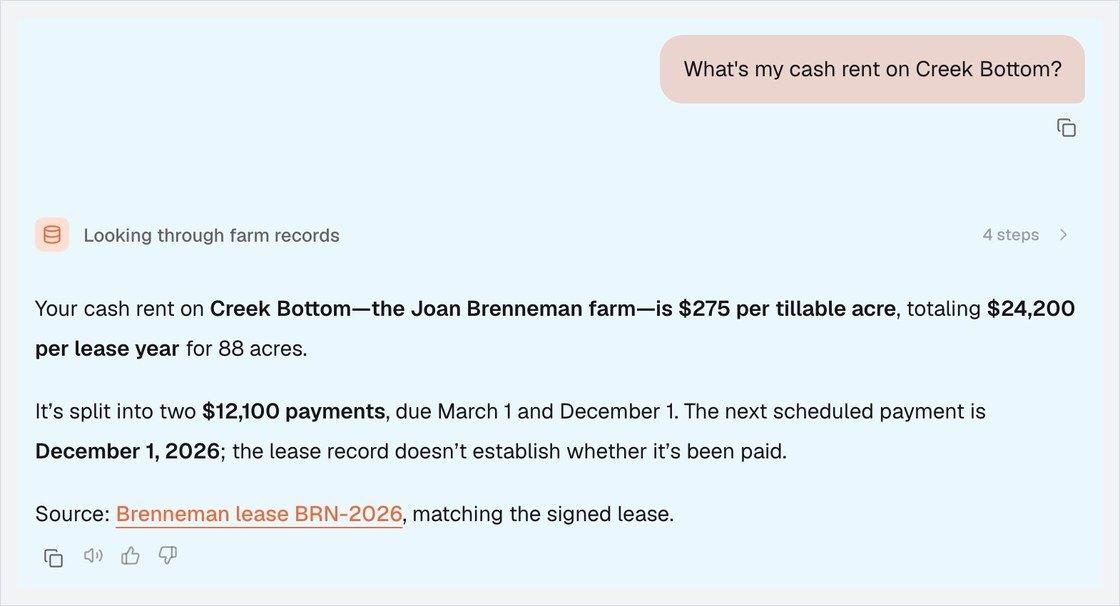
- Ask about rent, loans or land the same way you always do, like “What's my cash rent on Creek Bottom?” The chat box shows Confidential.
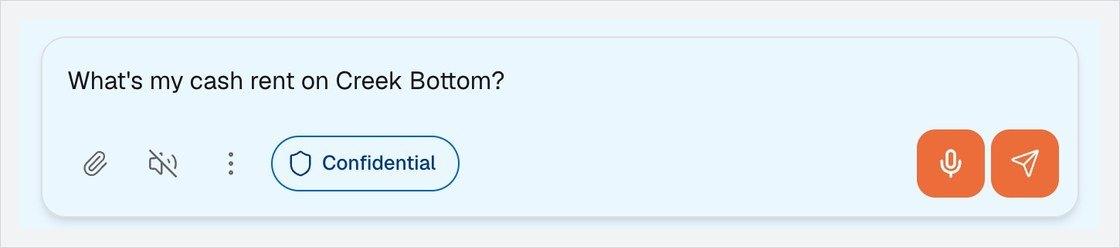
- Send it. The answer shows the rent on Creek Bottom, and when each payment is due.
Step 3. It stays confidential
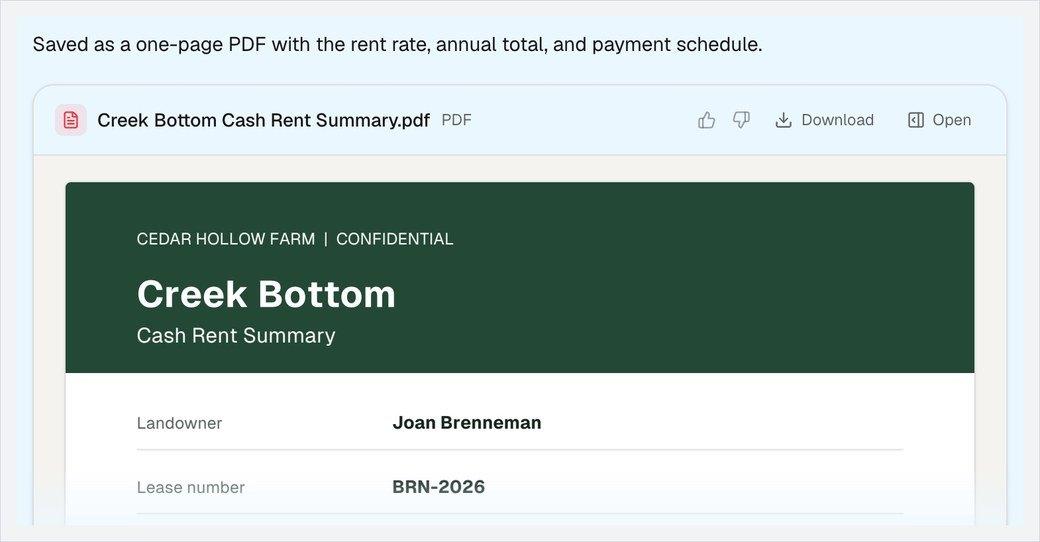
- Save what you need from the chat, like “Save that as a one page PDF.” Anything saved from this chat is filed Confidential.
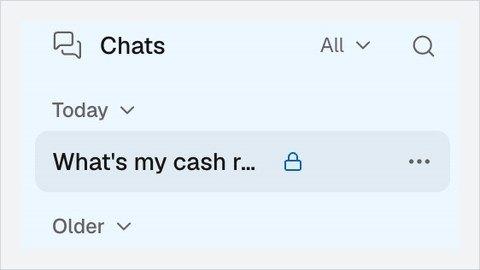
- In your chat list, this chat shows a lock. Members and hired help don't see it, and a role you add sees it only if you allow it.
Step 4. Switch back
- Click Confidential mode on again to go back to the farm chat. The bar at the top goes away, and the switch reads Confidential mode off.