Keep every grain contract in one list, with the bushels you've contracted for each crop. Send in your contracts in the chat, and AgAnswers reads the buyer, bushels, price and delivery dates and files each one under Contracts. Watch the video, or follow the steps below at your own pace.
What you'll need
- A grain contract: the paper itself, or just its details.
- The chat, where you send it in.
- A minute.
Step 1. Send it in
- In the chat, click the paper clip and pick the contract. Or just type its details: the buyer, the bushels, the price, the delivery and the contract number.
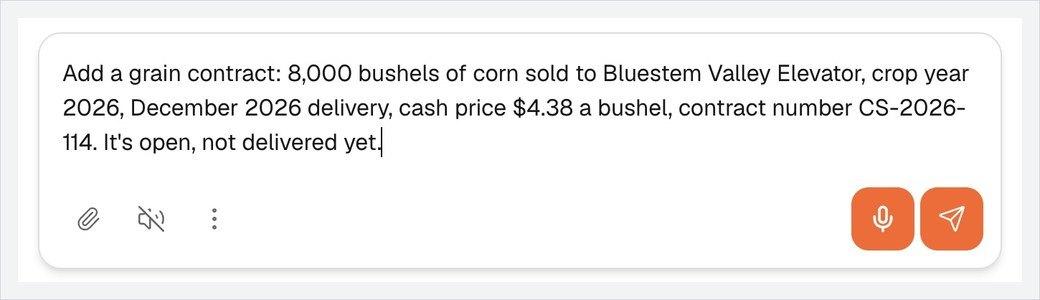
- Send it.
Step 2. Check it
- AgAnswers reads the buyer, bushels, price and delivery, and saves the contract. Look over what it saved.
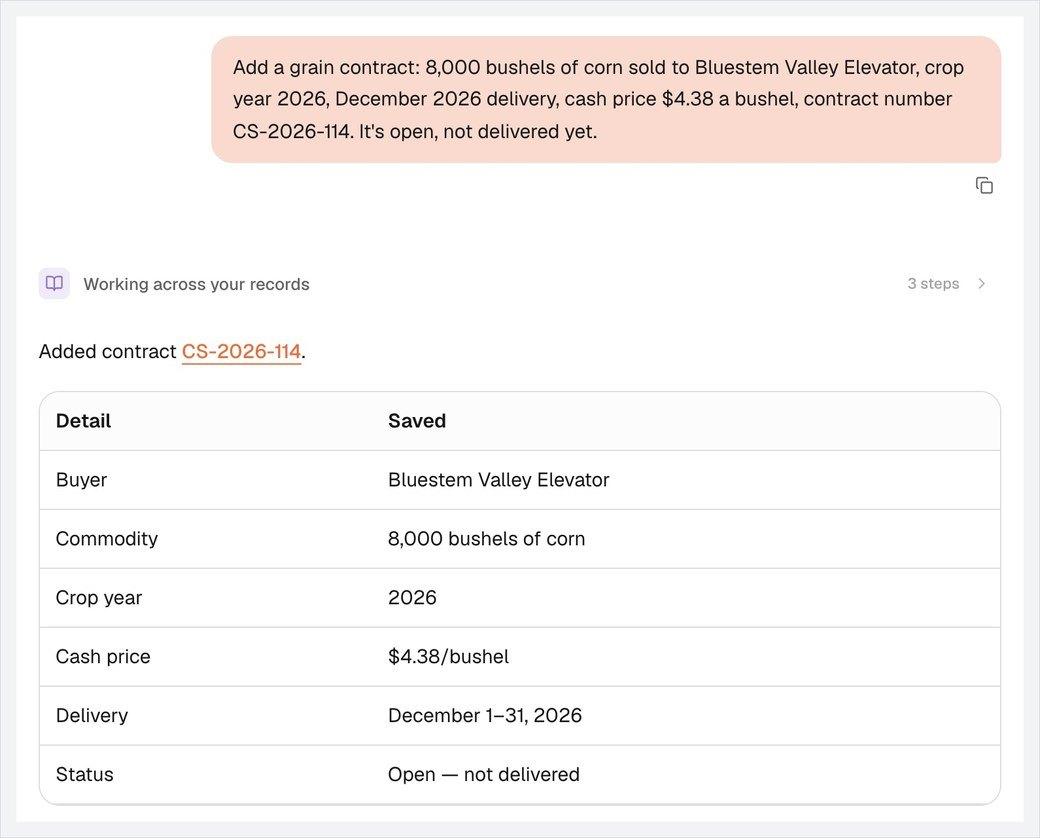
- If anything's off, just ask it to fix it.
Step 3. Open Contracts
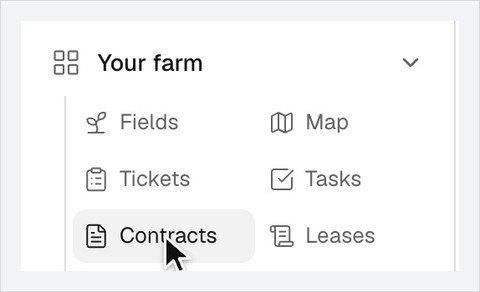
- In the menu, under Your farm, click Contracts.
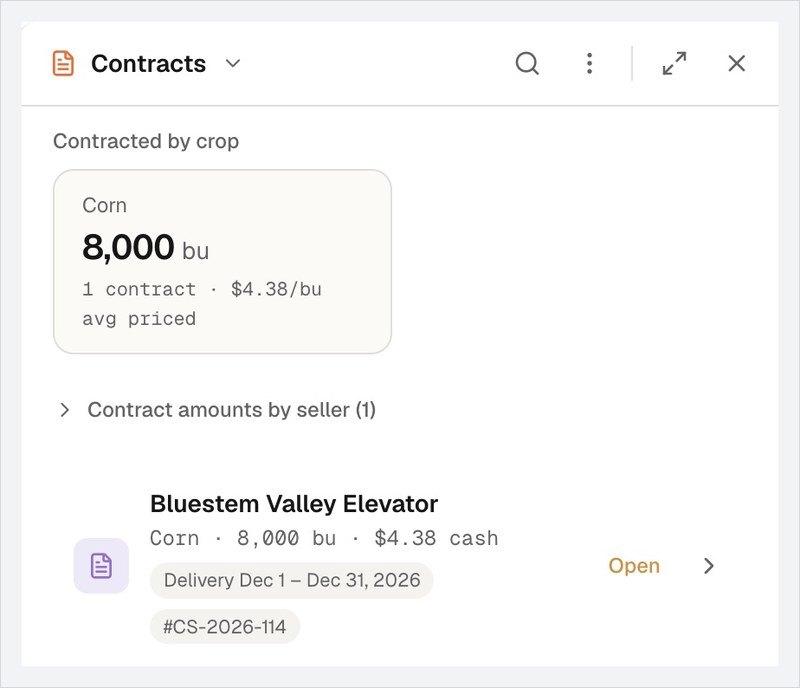
- Here's every contract, with the bushels you've contracted for each crop.
Step 4. Ask about it
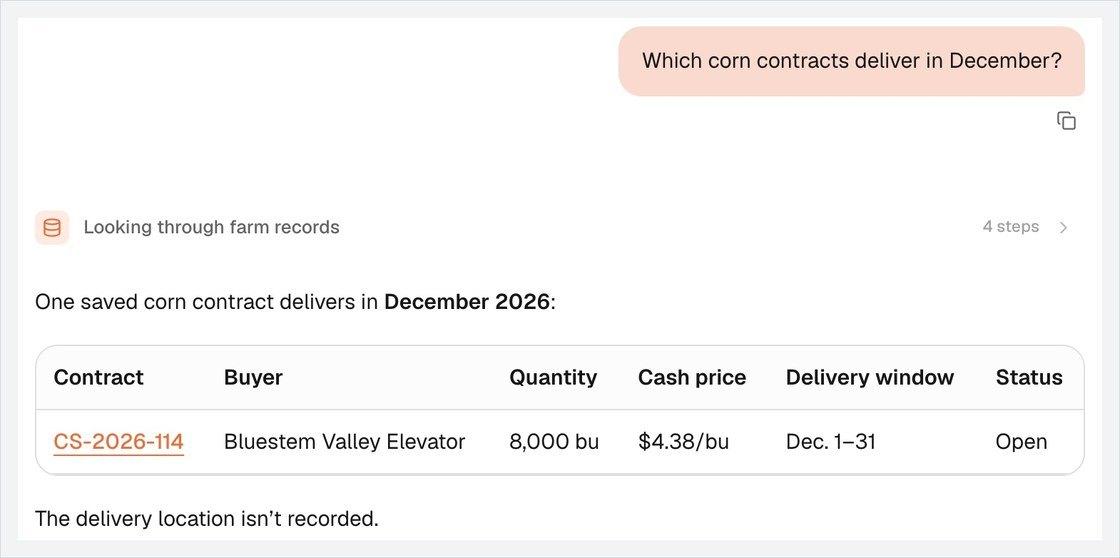
- In the chat, ask about your contracts, like “Which corn contracts deliver in December?”
- The answer comes straight from your saved contracts.
Good to know
- When you attach the contract itself, the original is kept in Files.