Keep every machine and its repairs in one place. Add your machines by telling AgAnswers, log a repair by sending a photo of the parts invoice, and see each machine's full service history. Then ask about a machine in your own words. Watch the video, or follow the steps below at your own pace.
What you'll need
- A list of your machines: make, model and year.
- Their hours, from the hour meter.
- A parts invoice from a recent repair.
Machines already in? Skip to step 2.
Step 1. Add your machines
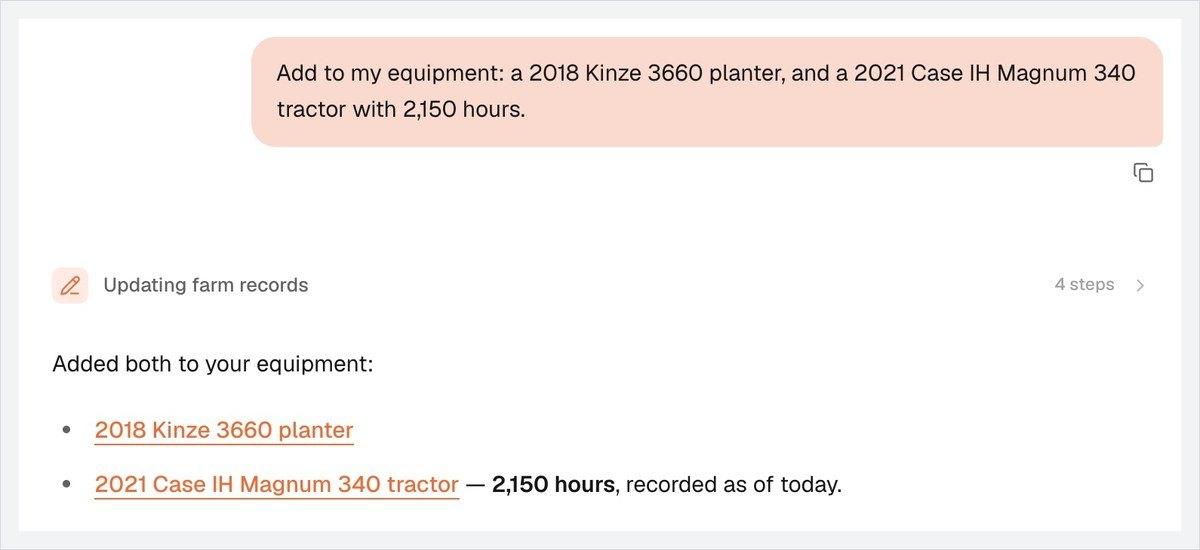
- In the chat, tell AgAnswers what you've got, the way you'd list it for your insurance agent. For example: Add to my equipment: a 2018 Kinze 3660 planter, and a 2021 Case IH Magnum 340 tractor with 2,150 hours.
- It saves each one, with its hours.
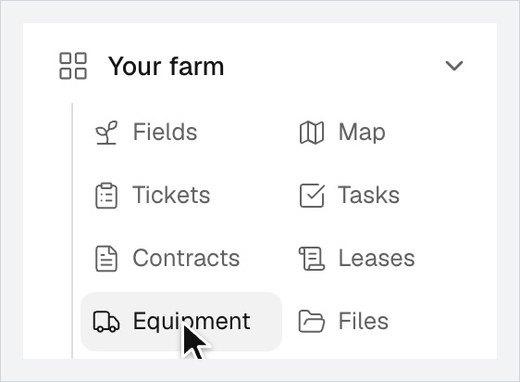
- In the sidebar, under Your farm, click Equipment.
- Every machine is listed, with its hours and when they were last updated.
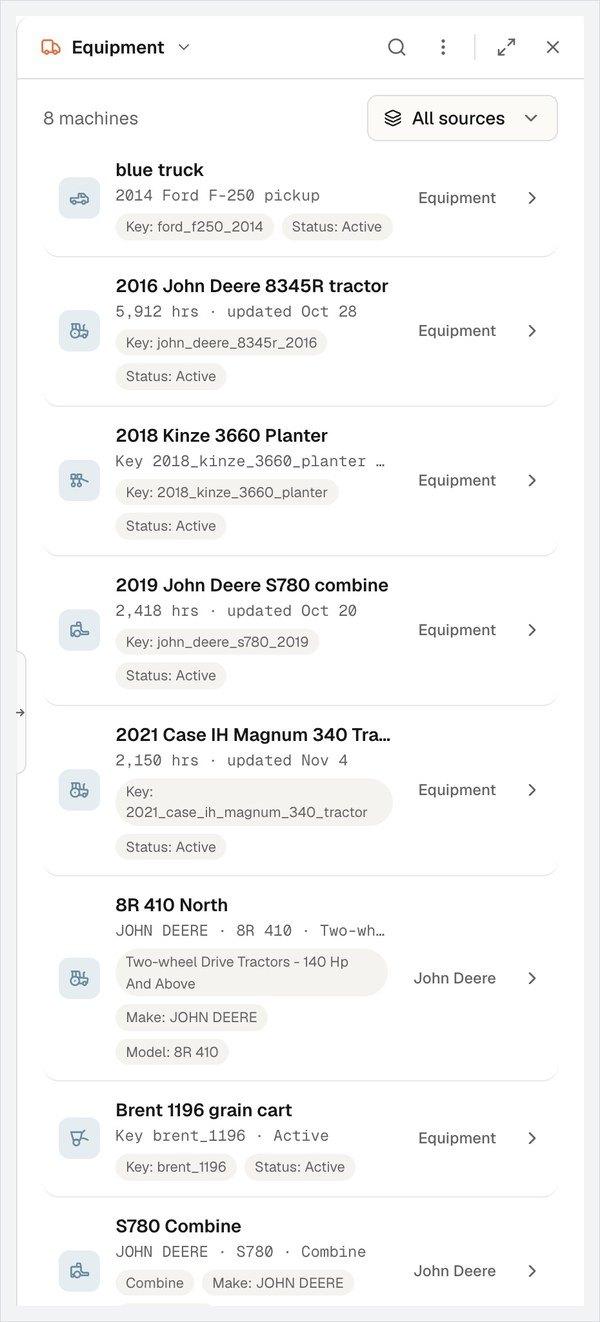
Tip: If John Deere is connected, your Deere machines come in on their own, marked John Deere in the list.
Step 2. Log a repair from a parts invoice
- In the chat, click the paperclip and pick a photo of the invoice. Snap one, or use one you already have.
- Say which machine and the hours, for example Log this repair on the 8345R. It was at 5,912 hours. Then send it.
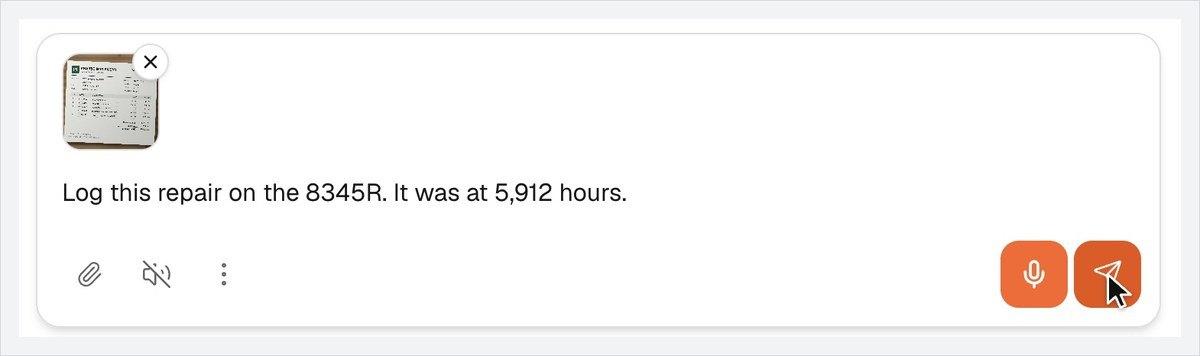
- AgAnswers reads the parts and the cost, logs the repair on that machine, and keeps the invoice with it.
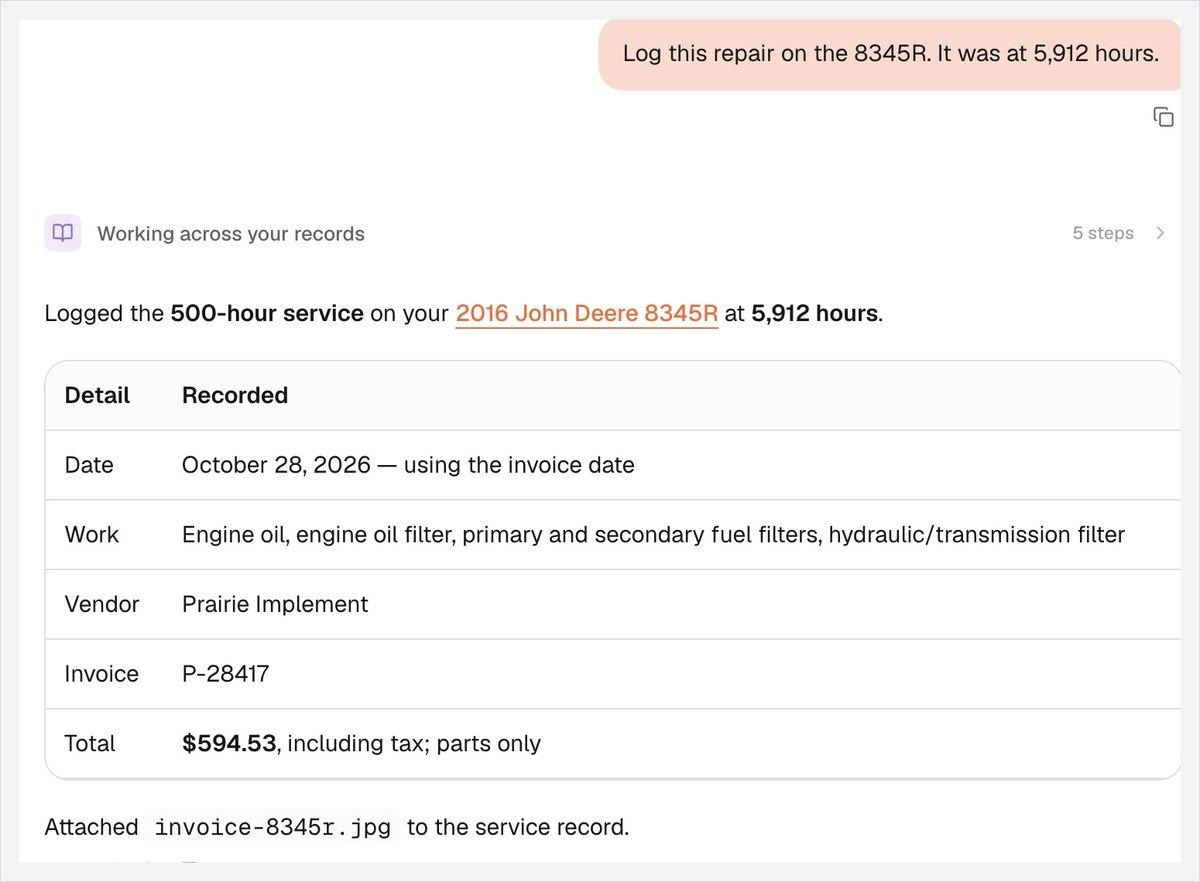
Tip: Check the date, the work and the total in the reply. Here AgAnswers used the invoice's date.
Step 3. See the full service history
- In Equipment, click the machine. Its page shows its hours, make, model and year.
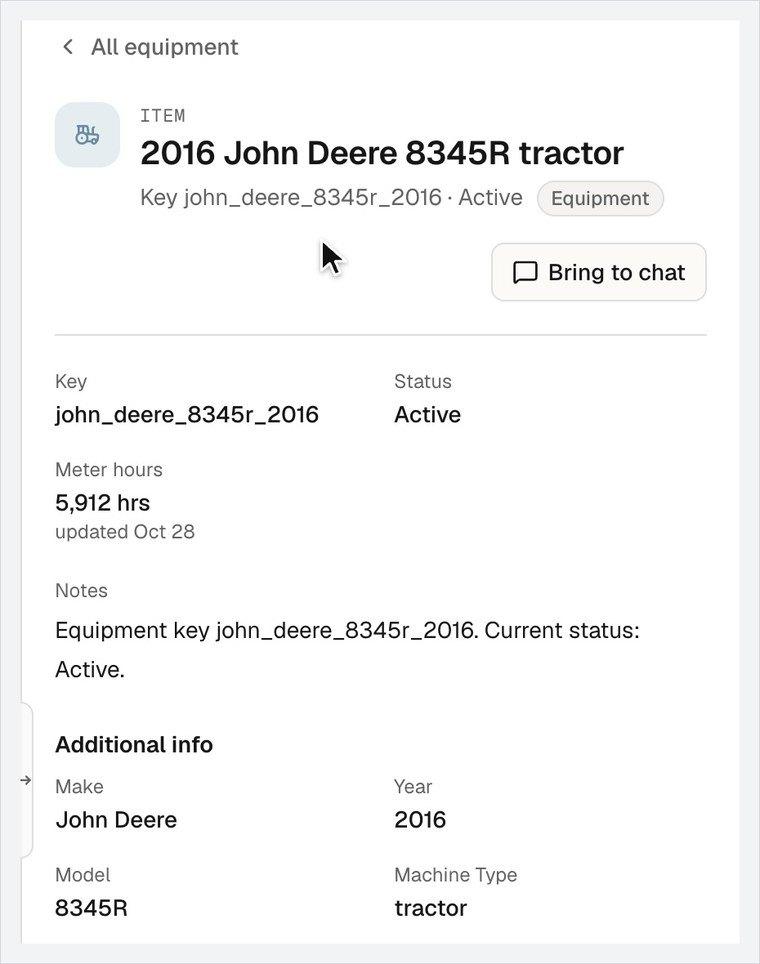
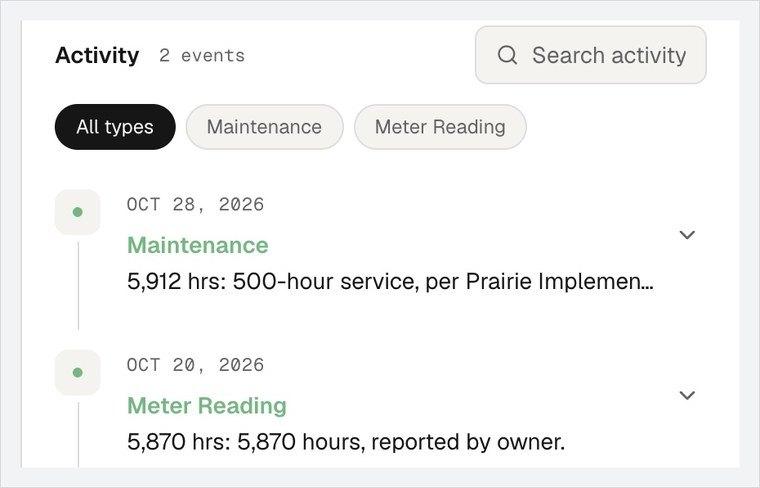
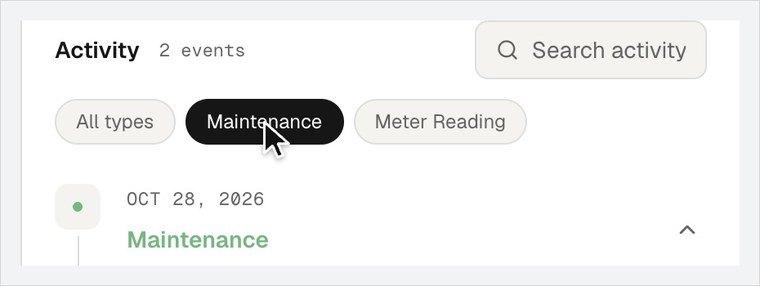
- Under Activity, every repair, service and hour reading is listed, newest first.
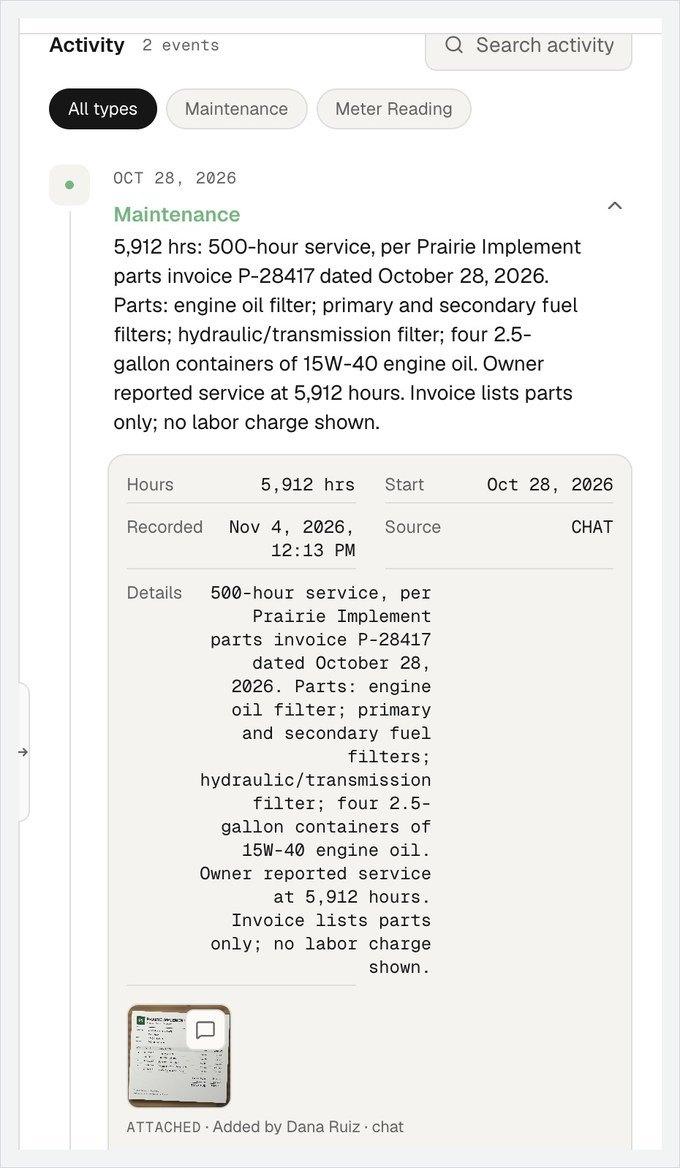
- Click an entry to see the hours, the details, and the invoice.
- Pick a type, such as Maintenance or Meter Reading, to narrow the list.
Step 4. Ask about a machine
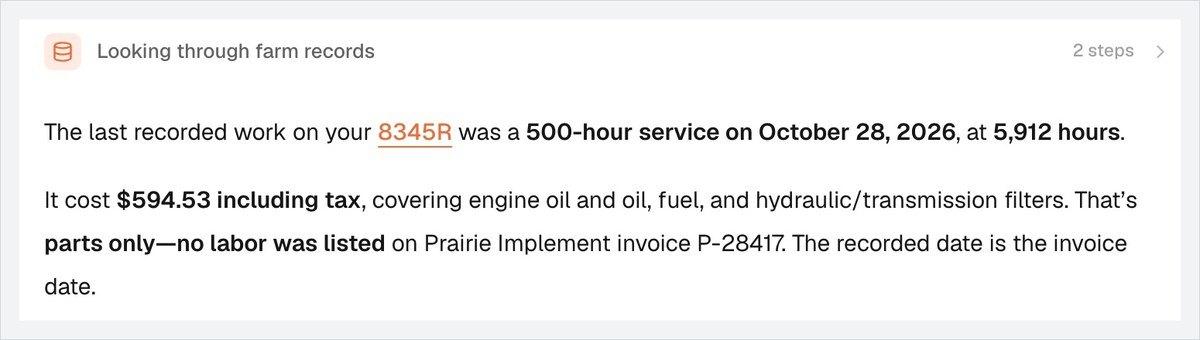
- Ask in your own words, for example When did we last work on the 8345R, and what did it cost?
- It answers from the machine's history, and links to the machine.
Good to know
- Logging a repair with the hours also updates the machine's hours.
- You can log repairs from wherever you reach AgAnswers: typing, talking, or a message from the field. Invoice photos go by the app, WhatsApp or email; a text message carries words only.
- Each repair keeps its invoice, so the paperwork is there when you need it.