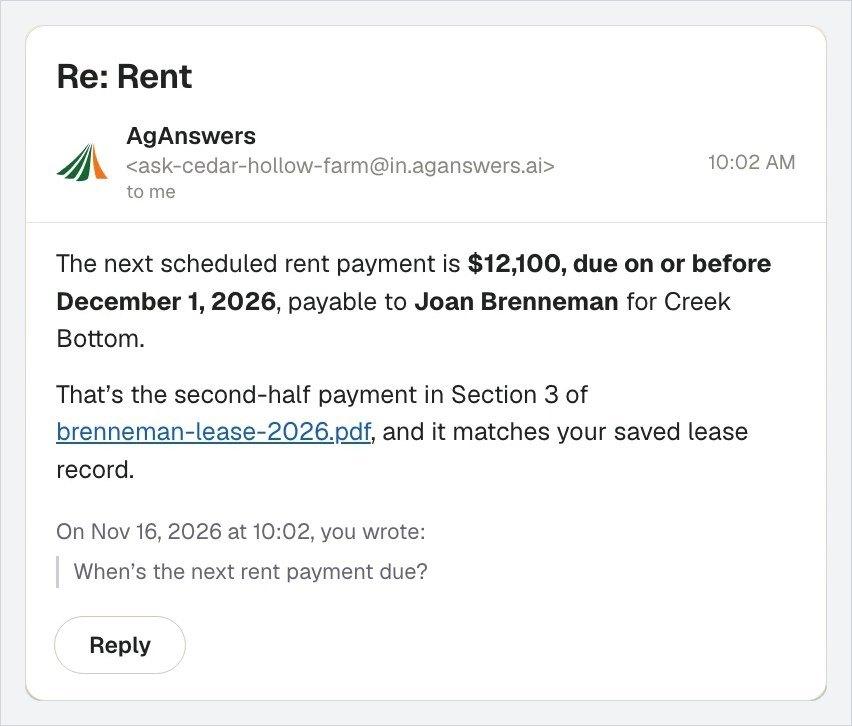
Your farm gets its own email address for bills, papers and questions. Forward bills, contracts and other papers to your farm's address, and AgAnswers files them in your records. Email a question to your farm's ask address, and the answer comes back by email. Watch the video, or follow the steps below at your own pace.
What you'll need
- Your own email, the one you already use.
- Manager or admin access on the farm, to open Farm email in Settings.
- A few minutes.
Senders already added? Skip to step 3.
Step 1. Find your addresses
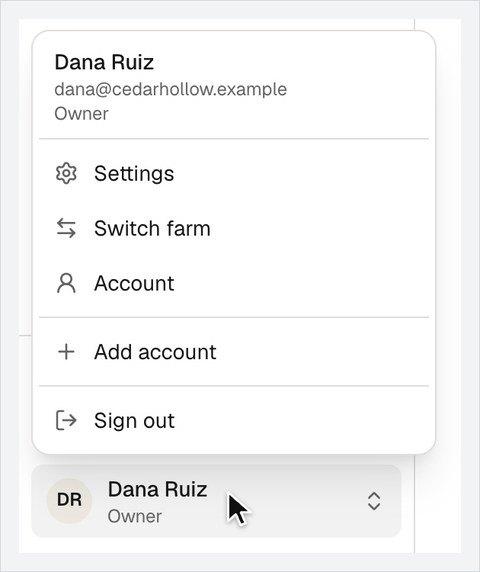
- Click your name at the bottom left, then Settings.
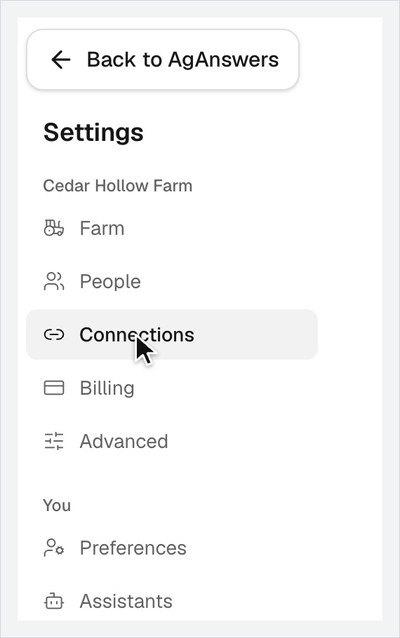
- Click Connections, and scroll down to Farm email.
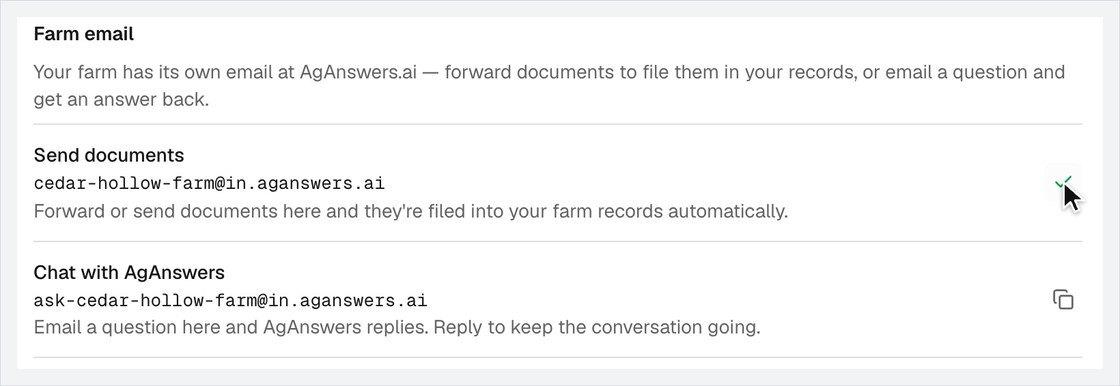
- Your farm has two addresses. Send documents is the one to send in papers, and Chat with AgAnswers is the one to ask questions. Click the copy button beside either one.
Step 2. Allow your senders
- Under Allowed senders, type the address of someone who sends you papers, like your office or your agronomist.
- Click Add. Only addresses on this list can email your farm.
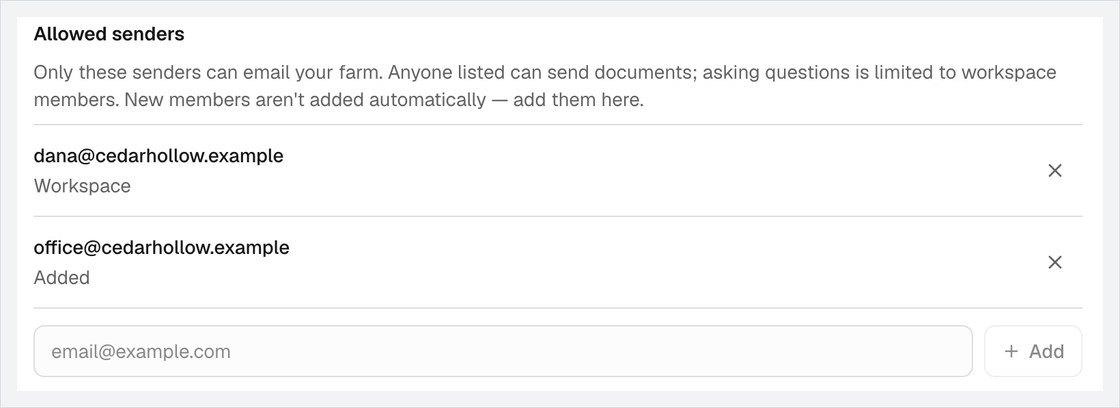
Anyone on the list can send in papers. Asking questions is just for your farm's own people.
Step 3. Forward your papers
- From any address on your list, send or forward bills and documents to your farm's address, the Send documents one.
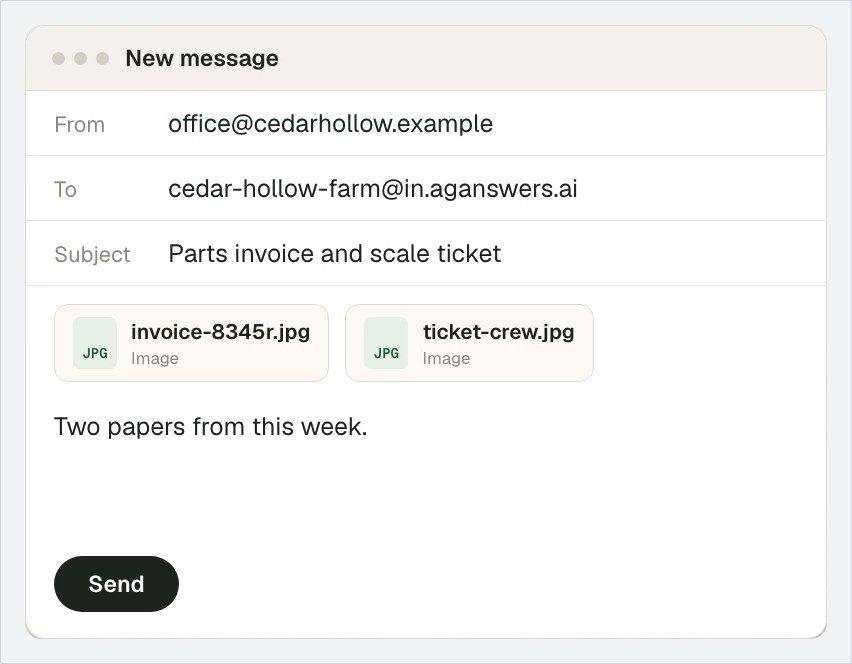
- They're filed in your records. Recent activity, at the bottom of Farm email, shows each email, and what was saved.

Step 4. Email a question
- From your own email, send your question to the ask address, the Chat with AgAnswers one.
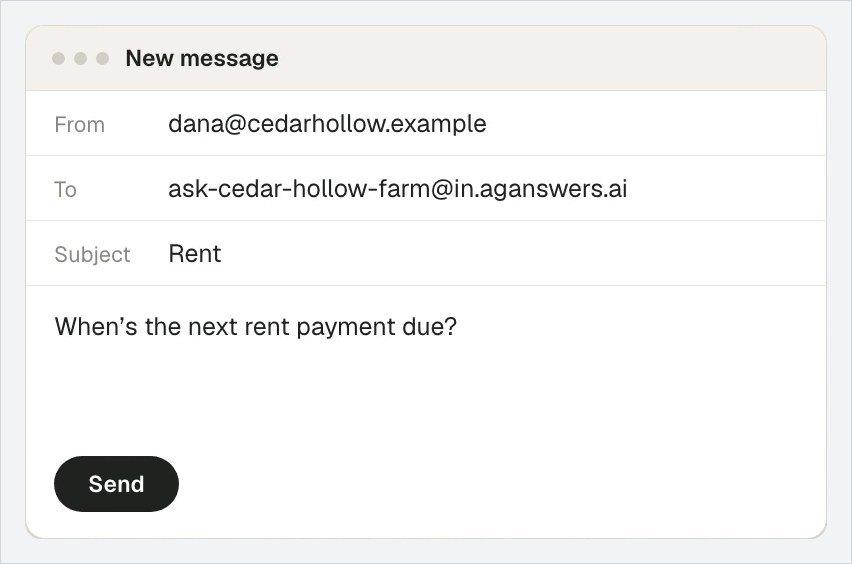
- The answer comes back by email. Reply to keep going.