Connect John Deere once, and your fields, field work and machines come in on their own. Sign in to John Deere and approve what to share. AgAnswers brings in your fields, field work, machines and products, and keeps importing on its own. Watch the video, or follow the steps below at your own pace.
What you'll need
- Your John Deere Operations Center login.
- Manager or admin access on the farm. Someone with it connects John Deere for the whole farm.
- A few minutes.
Already connected? Skip to step 3.
Step 1. Open Connections
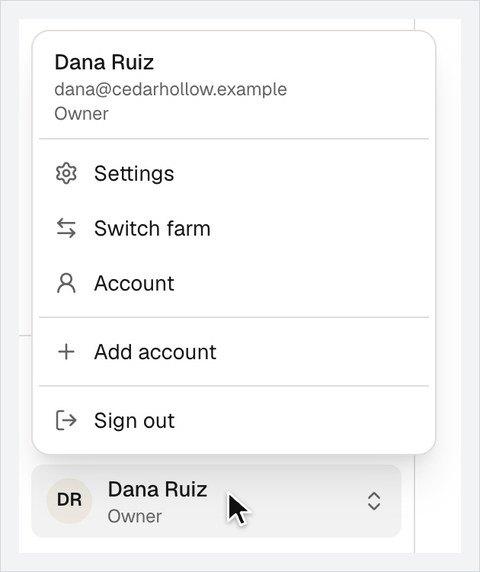
- Click your name at the bottom left, then Settings.
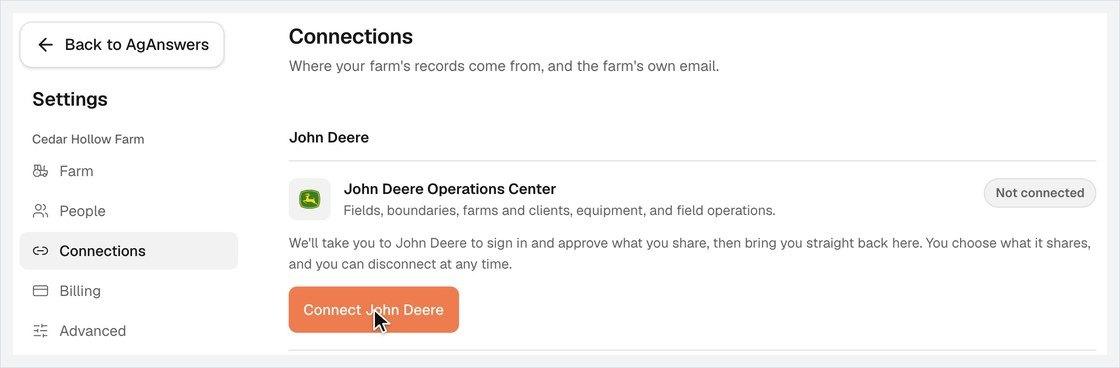
- Click Connections. The John Deere card says Not connected.
- Click Connect John Deere.
Step 2. Approve it
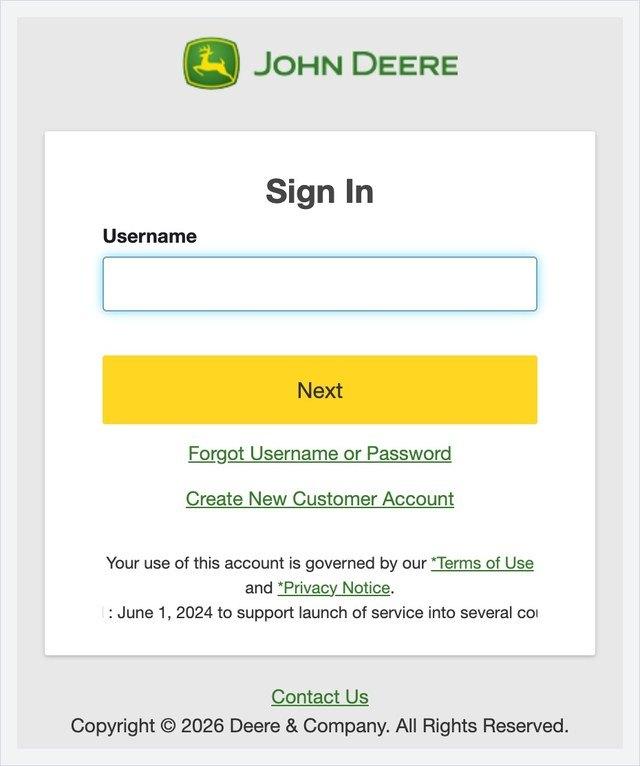
- You go to John Deere's own sign in page. Sign in, and approve what to share with AgAnswers.
- Then you come straight back to Connections, and your records start coming in.
Step 3. Watch it come in
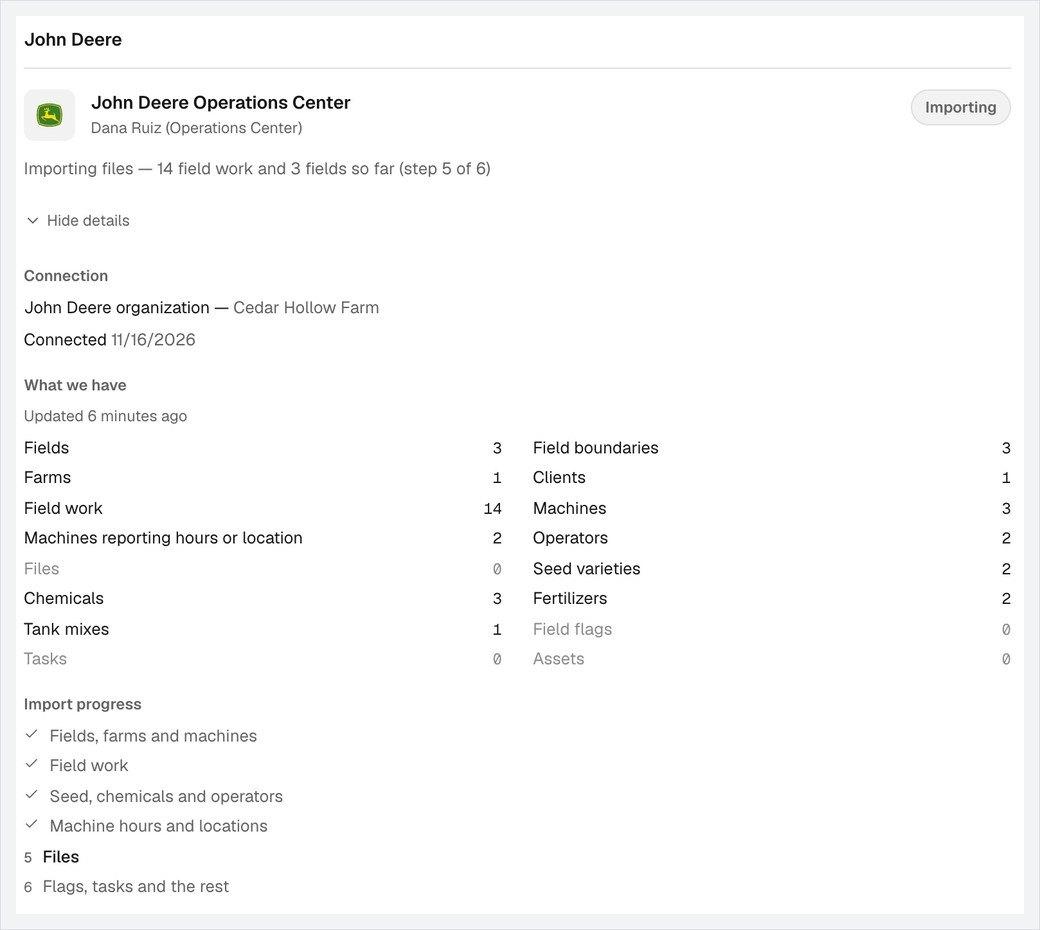
- The card says Importing. Click View details.
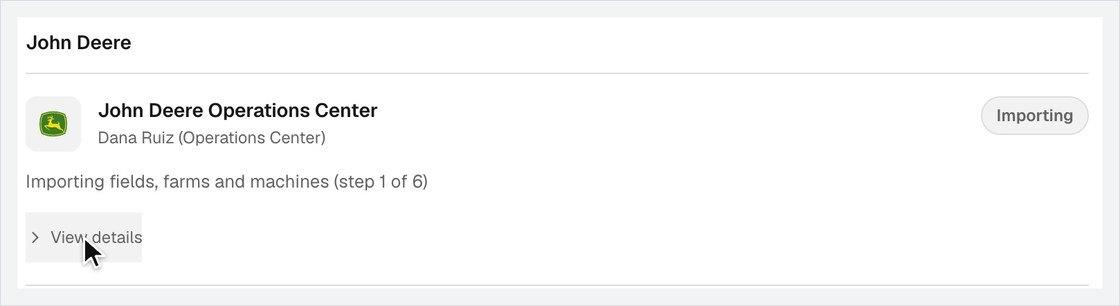
- You'll see what has come in so far. First your fields, farms and machines, then your field work, seed, chemicals and files. Each step of the import is listed below, under Import progress.
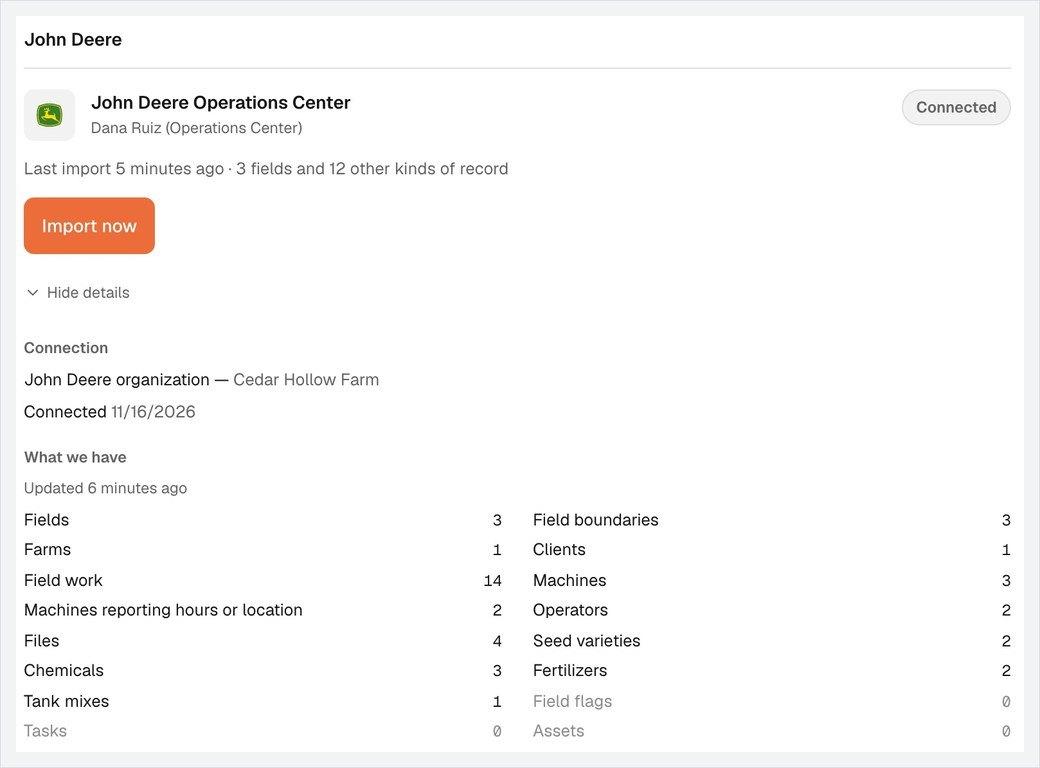
- When it's done, the card says Connected. From then on, AgAnswers keeps importing on its own.
Good to know
- You choose what John Deere shares with AgAnswers, and you can disconnect at any time.