Ask for a printable PDF and AgAnswers makes it from your records. Say what you want on the page, like this week's jobs for the shop wall, and AgAnswers lays it out as a one page PDF, ready to download and print. Watch the video, or follow the steps below.
What you'll need
- What you want on the page, like this week's jobs.
- Those records saved in AgAnswers, like the jobs on your farm.
- A few minutes.
Already asked for one? Skip to step 2.
Step 1. Ask for it
- In the chat, say what you want on the page, like “Make me a one page PDF of this week's jobs that I can print and hang in the shop.”
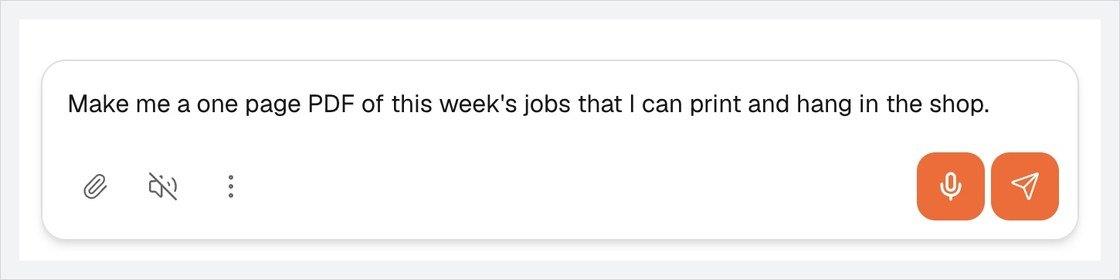
- Send it. AgAnswers lays it out as a one page PDF, from your own records.
Step 2. Open it
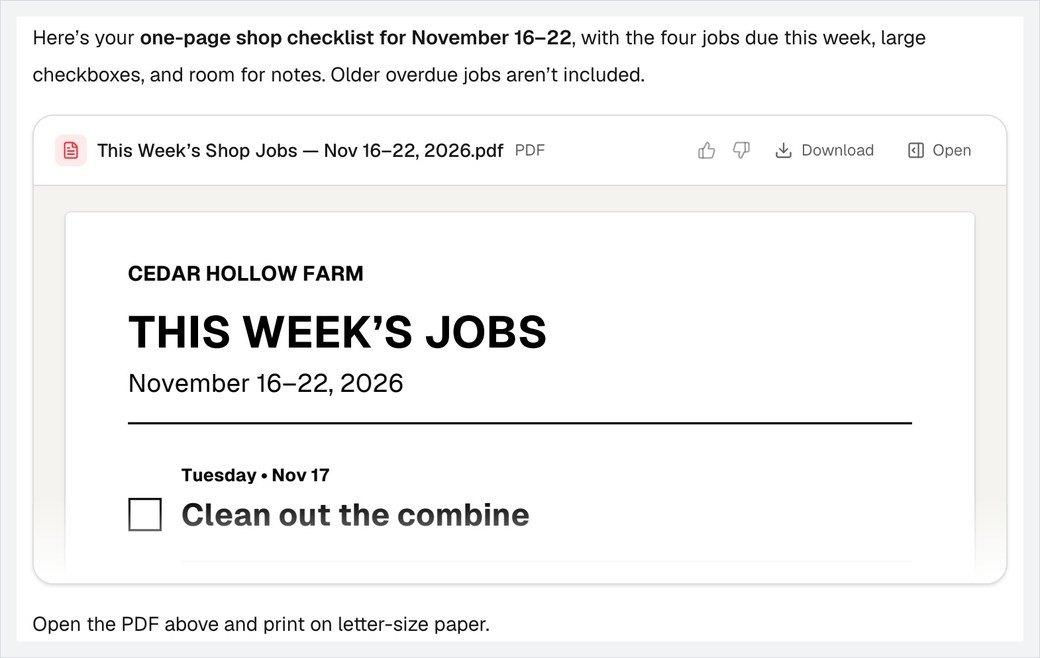
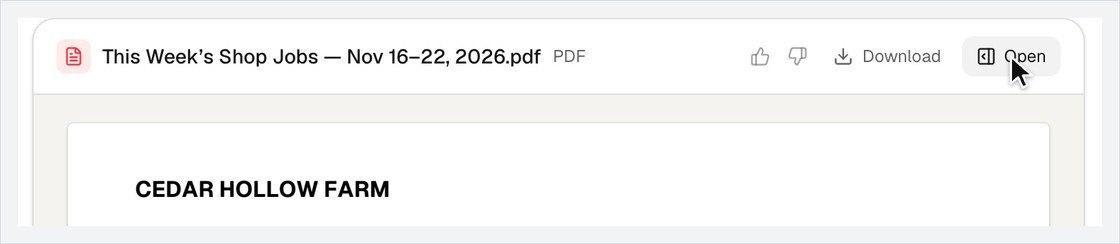
- The PDF shows up right in the chat. Click Open to look it over.
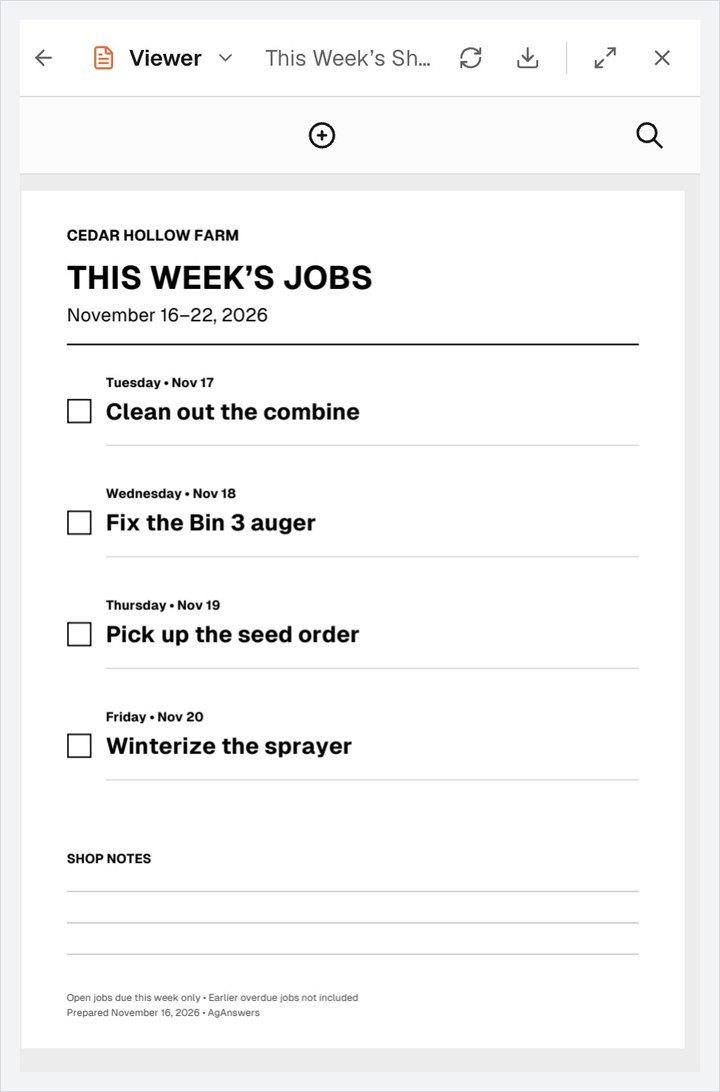
- The page opens at the right. Each job is listed by its day, with a box to check off, and room for shop notes at the bottom.
Step 3. Print it
- Click Download to save it.
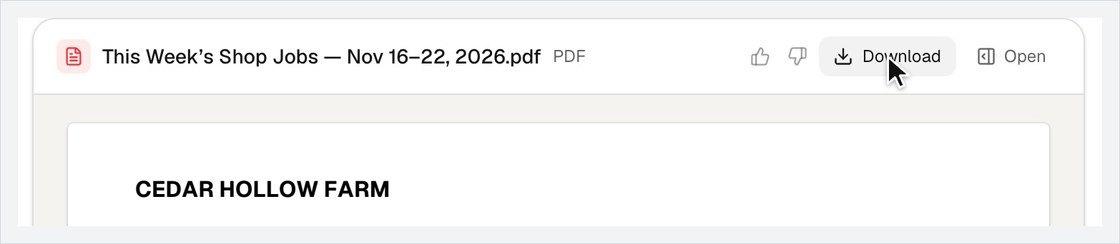
- Then print it, and hang it in the shop.