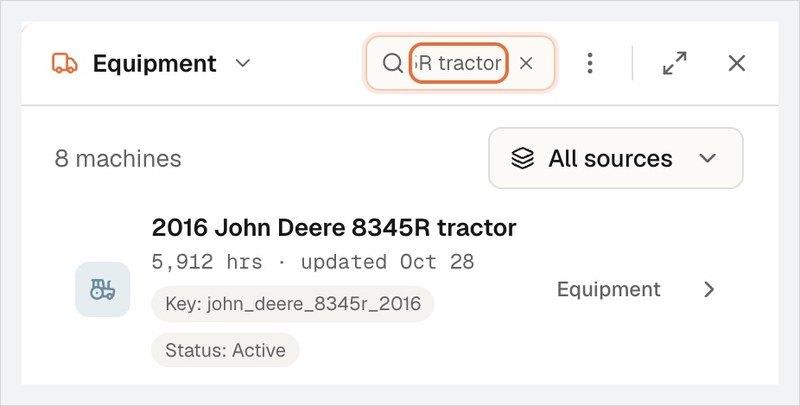
Find anything on your farm from one search box. Press ⌘K and type. AgAnswers searches your chats, files, fields, equipment, tasks, contracts and leases at once, and finds files by what's in them. Watch the video, or follow the steps below at your own pace.
What you'll need
- A word to look for, like a field, a machine or a buyer.
- Your farm's records: chats, files, fields and more.
- A minute.
Step 1. Open search
- Press ⌘K, or Ctrl+K on Windows, or click Search in the menu.
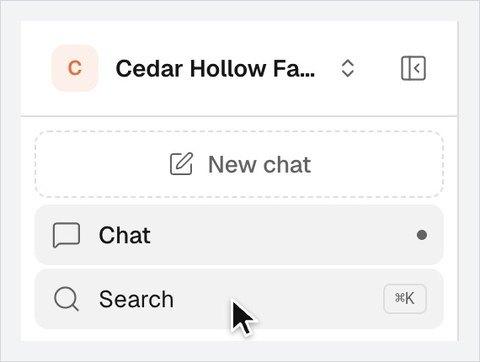
The search window opens over the page.
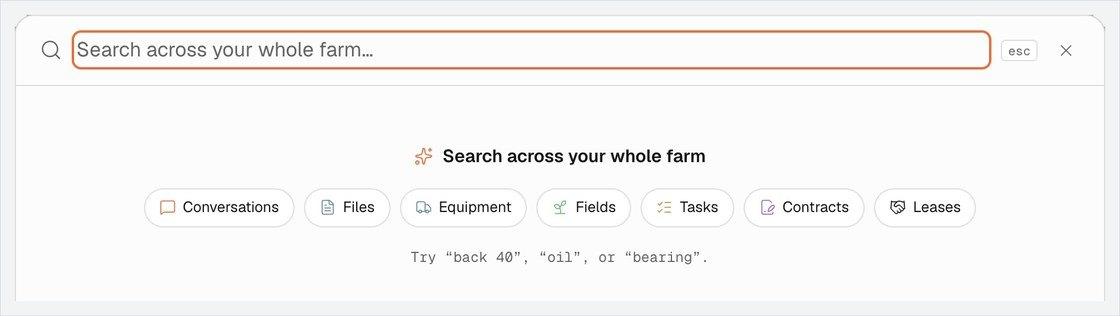
Step 2. Type a word
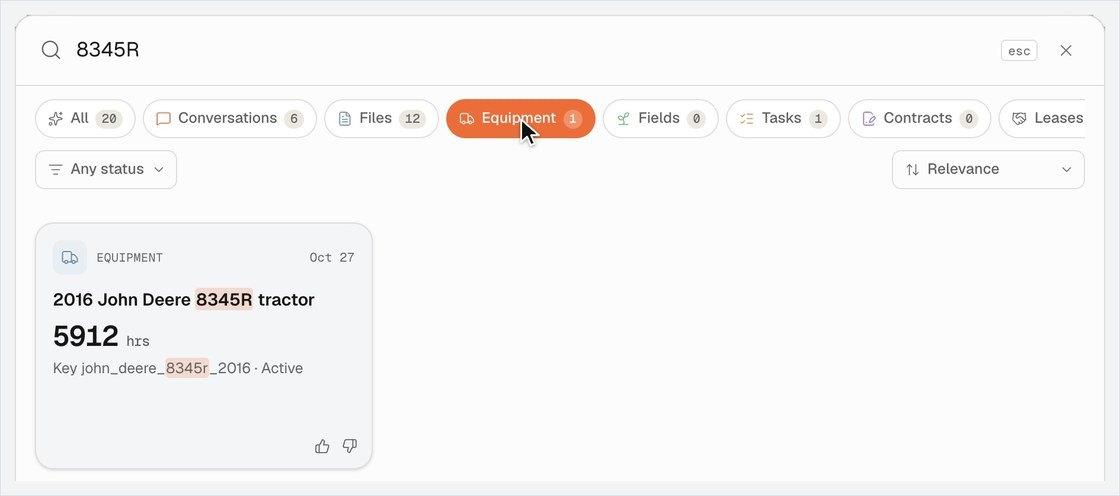
- Type a field name, a machine, a part, a buyer, anything. In this example, 8345R, a tractor.
Every match comes up at once, with a count for each kind.

Step 3. Narrow it down
- Click a kind, like Files, to see only those. Files are found by what's in them, too.
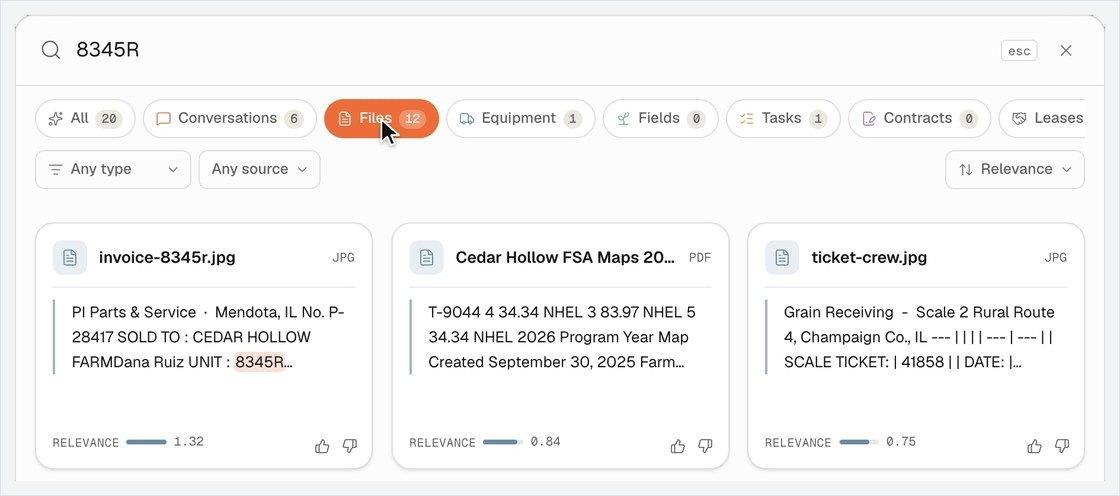
- Click Equipment, and it's just your machines.
Step 4. Jump to it
- Click a field, machine, task, contract, lease or chat, and it opens. Here, the tractor opens in Equipment, with its hours.