Ask for a spreadsheet and AgAnswers builds it from your records. Say what you need, like a list of your equipment for the insurance agent, and it comes back ready to download and open in Excel. Watch the video, or follow the steps below at your own pace.
What you'll need
- What goes on it, like year, make, model and hours.
- Who it's for, like your insurance agent.
- A few minutes.
Already asked for one? Skip to step 2.
Step 1. Ask for it
- In the chat, say what you need and who it's for, like “Make me a spreadsheet of my equipment for my insurance agent. Just the year, make, model and hours.”
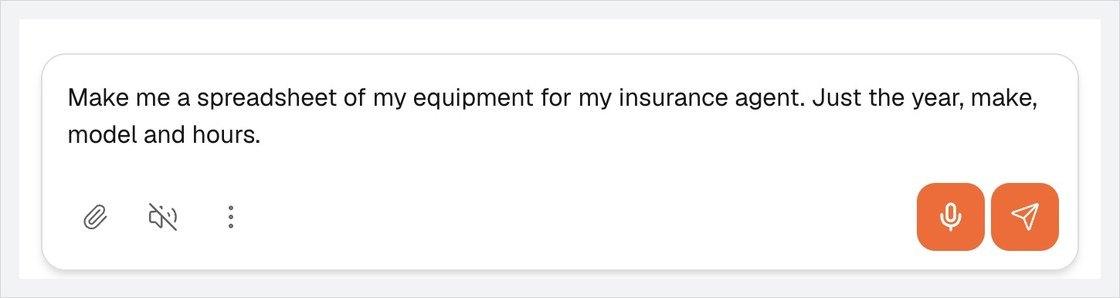
- Send it. AgAnswers builds the spreadsheet from your own records.
Step 2. Look it over
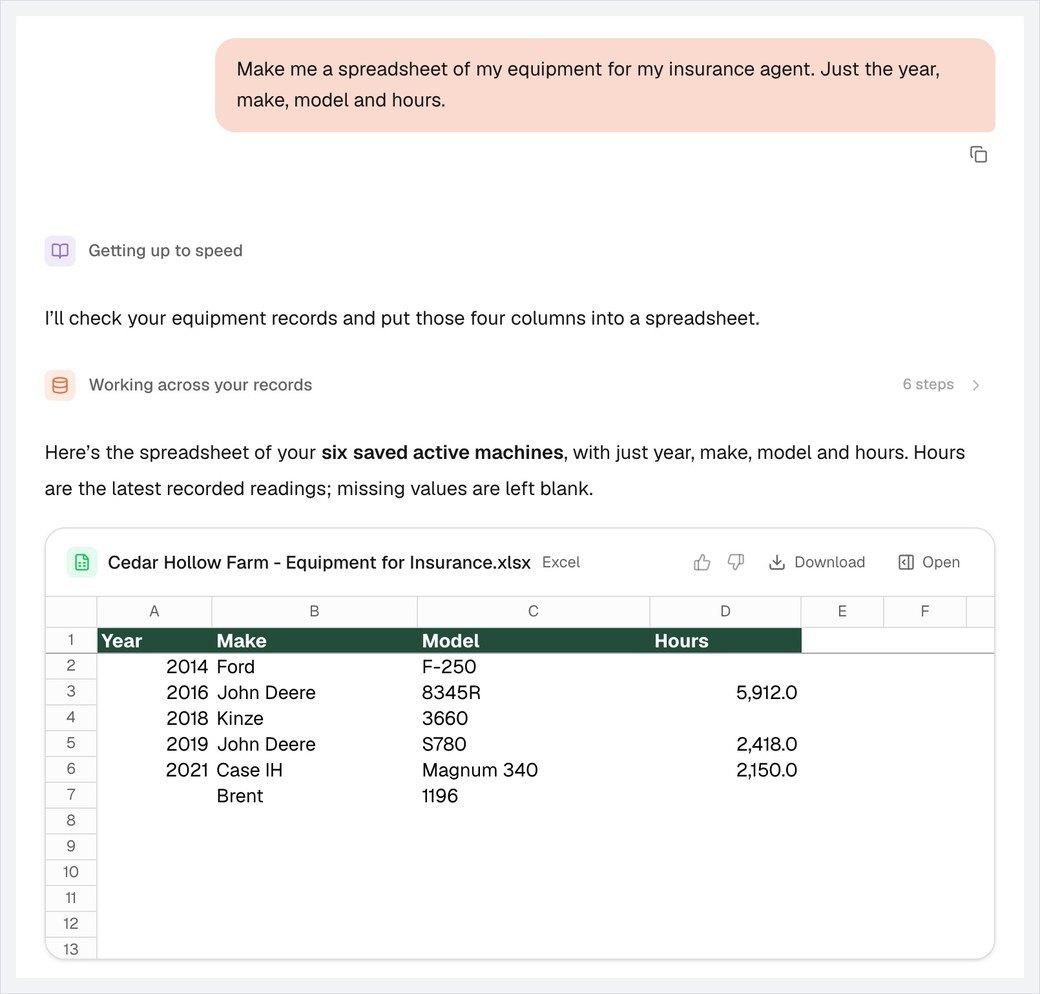
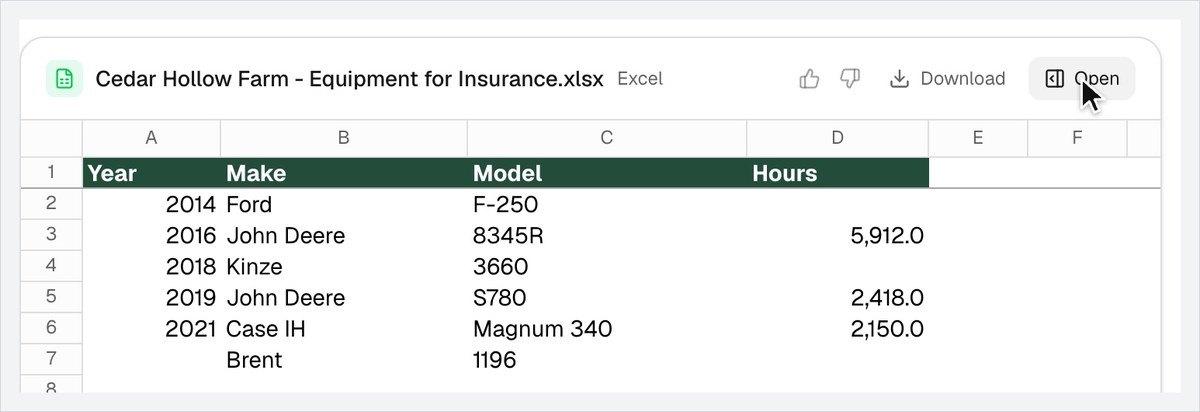
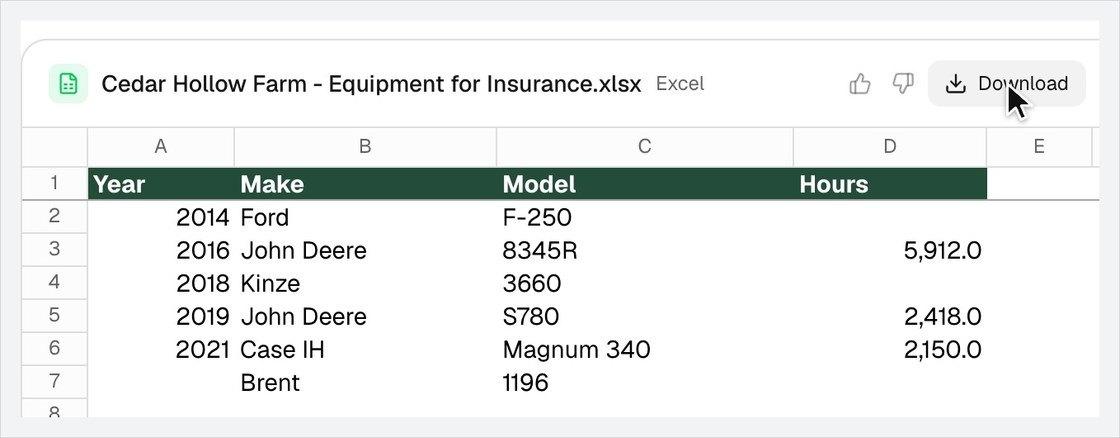
- The table shows up right in the chat. Click Open to see it all.
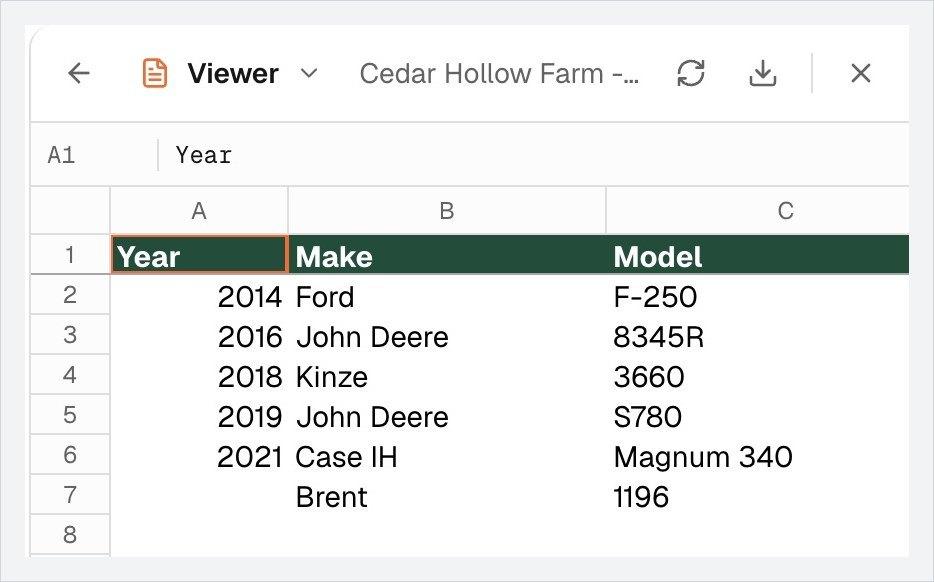
- It opens in the Viewer panel at the right. Every machine you've saved is there, with just the columns you asked for. Scroll across to see the last column.
Step 3. Save it
- Click Download to save the file. It's an Excel file, ready to open on your computer.
- Then send it to your agent yourself.
Good to know
- Files AgAnswers makes for you have a card in the chat you can open or download.