Tasks is the farm's to-do list. Tell AgAnswers a job and when it's due, and it's on the list, grouped by when it's due, so everyone knows what's next. Watch the video, or follow the steps below at your own pace.
What you'll need
- A job to do, like fixing a tire.
- When it's due: a day, or by Friday.
- A few minutes.
Jobs already on the list? Skip to step 2.
Step 1. Say the job
- In the chat, type the job and when it's due, like “Fix the grain cart tire by Friday.”
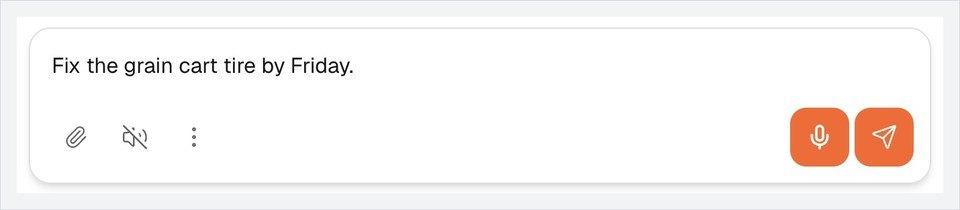
- Send it. It's added to your tasks, with the day it's due.
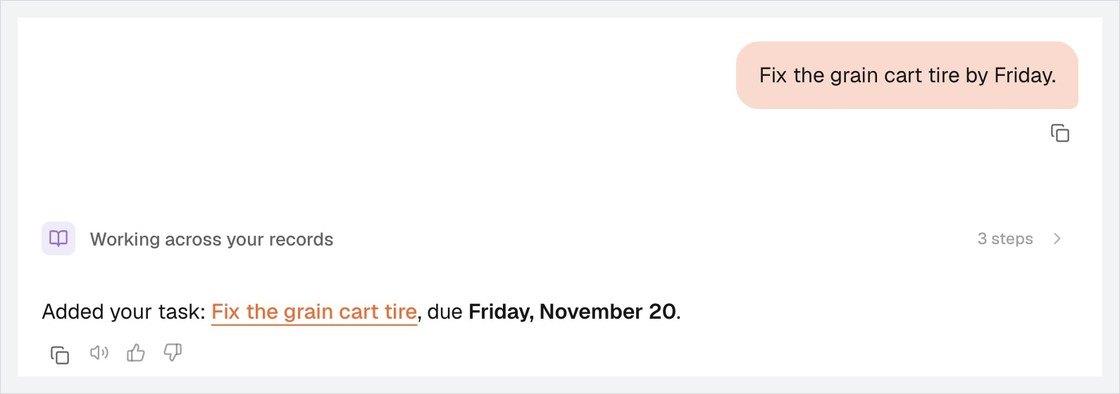
Step 2. It's on the list
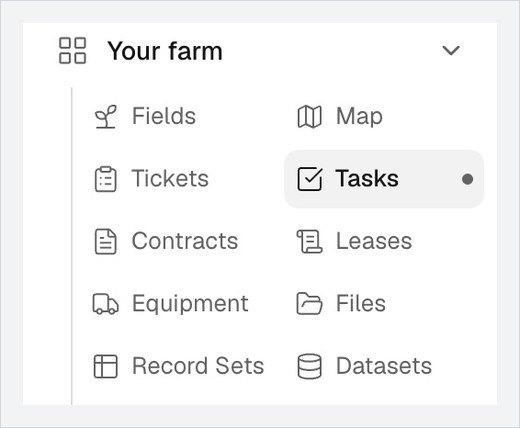
- In the sidebar, under Your farm, click Tasks.
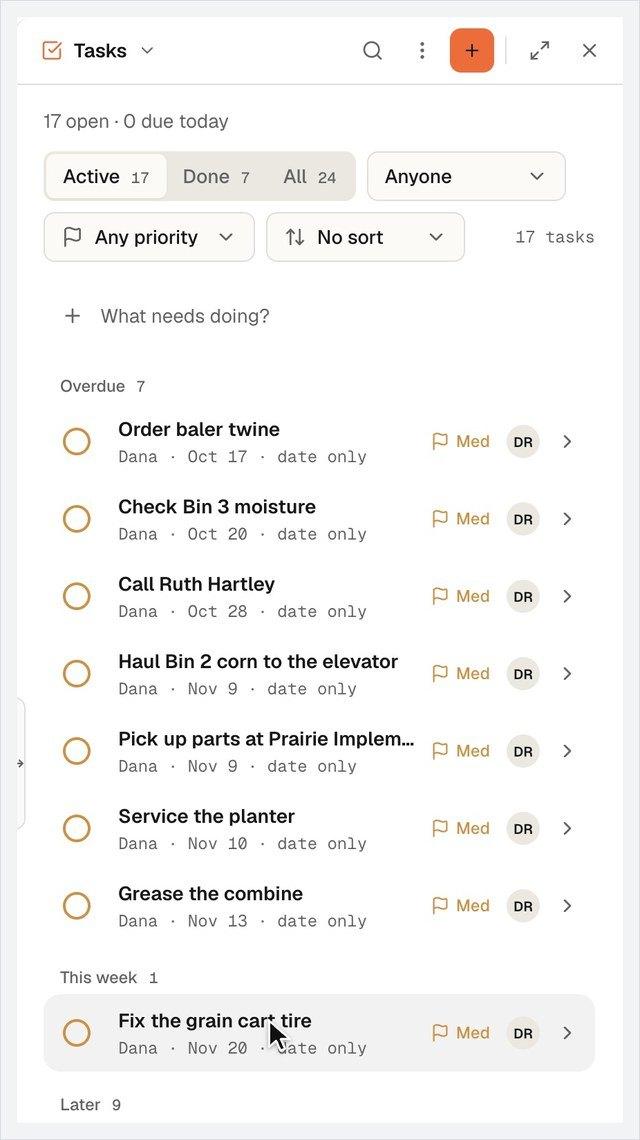
- Tasks opens in a panel at the right. Every job is here, grouped by when it's due: Overdue, Today, This week and Later. The grain cart tire is under This week, due Friday.
Step 3. Check it off
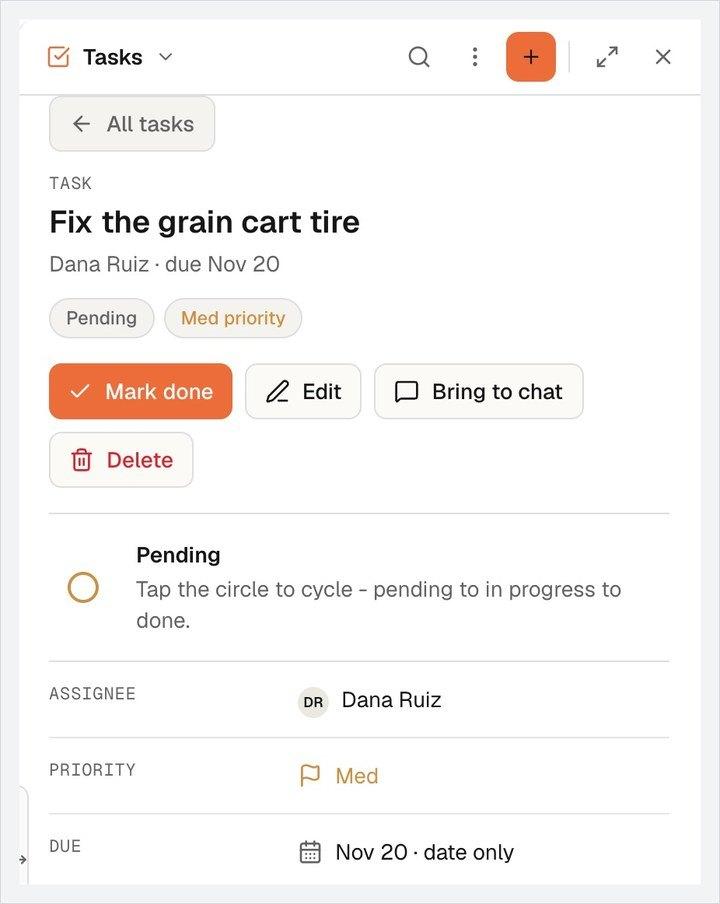
- Click the task to open it, right there in the panel. It shows who it's for and when it's due.
- When the job's done, click Mark done.
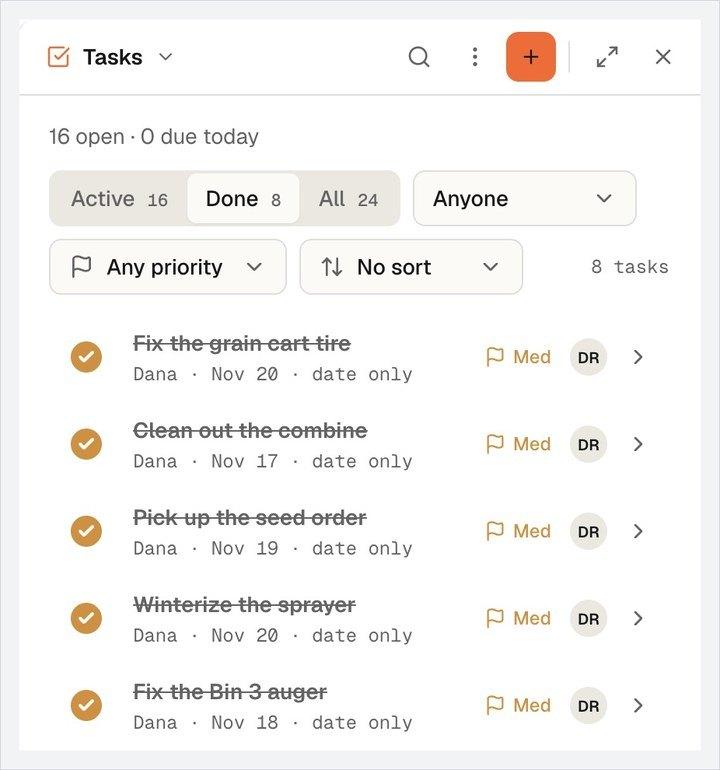
- It's checked off, and off the list. Find it anytime under Done, at the top of the list.
Good to know
- Every job you tell AgAnswers goes on the farm's one list, so everyone knows what's next.